Legally Binding Signatures - Create secure, compliant digital signatures for contracts and agreements
Multi-Platform Compatibility - Sign documents on desktops, tablets, and smartphones
Batch Signing & Templates - Efficiently manage multiple documents with smart templates
CONTRACT DOCUMENT
WPS E-Signature Software combines advanced security with user-friendly features to deliver professional document signing for businesses, legal teams, and individuals.
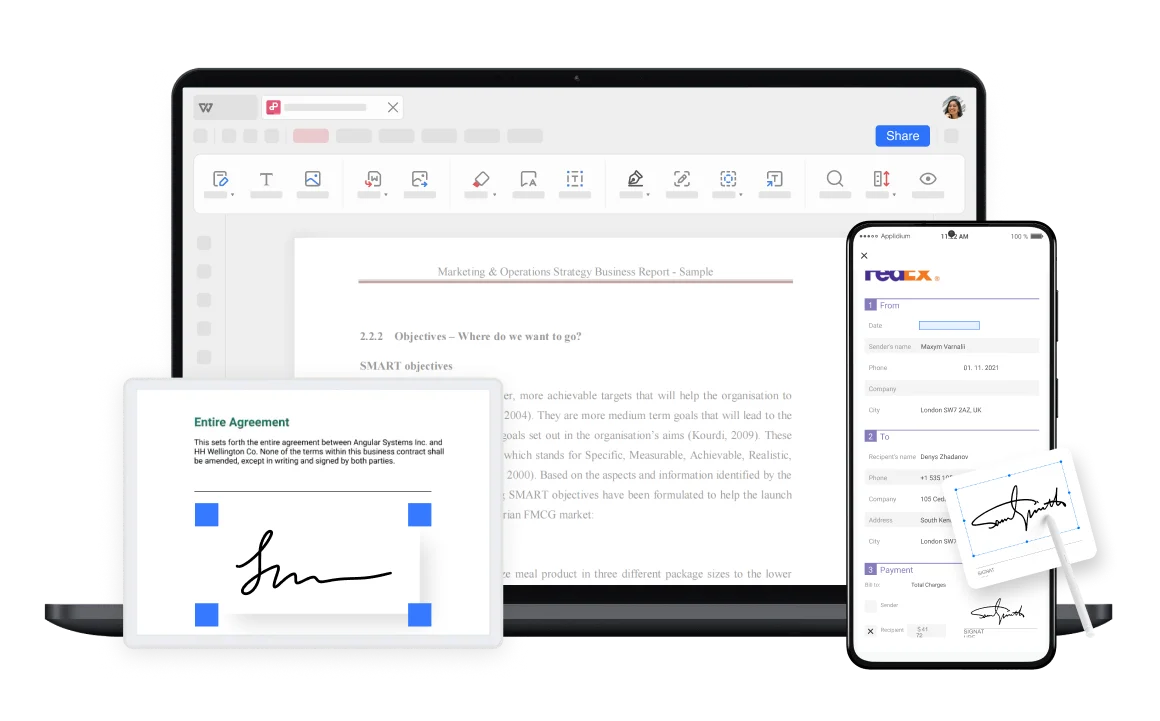
Create and save your electronic signatures for easy access and use whenever needed. The software supports multiple devices, including desktops, tablets, and smartphones, ensuring you can handle signing tasks anytime, anywhere.
The e-signature software allows you to sign multiple documents at once, reducing repetitive tasks and saving time. Efficiently manage bulk signing, enhancing productivity and ensuring seamless document workflows.
Sign multiple contracts and agreements simultaneously
Reduce repetitive tasks with automated batch processing
Streamline document management for teams and businesses


WPS e-signature software offers a library of pre-set templates for legal contracts, NDAs, employment agreements, and more. Customizable signature templates ensure consistency and professionalism across various document types.
E-signatures created in WPS Office comply with global e-signature laws and are legally binding. Advanced encryption ensures document security and authenticity for all transactions.
WPS ensures the security of your signed documents with advanced encryption and reliable cloud backup. Safely store, access, and manage signed files across devices to prevent data loss.
Perfect for business contracts, legal documents, employment agreements, NDAs, and forms. Sign documents anytime, anywhere with professional-grade security and compliance.
Launch WPS Office and open the document where you need to add an electronic signature. The software supports various document formats including PDF, Word, and PowerPoint files.
On the Home page, click 'Fill & sign' then 'Add Signature' to open the electronic signature tool interface.
Upload or draw your signature, place it in the desired position, and adjust its size or style if needed. Save and export the signed document with your legally binding electronic signature.

WPS Office offers a comprehensive suite of PDF tools and office applications alongside the AI Photo Enhancer. From PDF editing to document creation, get everything you need in one powerful platform.
Find answers to common questions about WPS E-Signature and explore trending topics to master digital document signing.
Step-by-step guide to quickly adding electronic signatures to Word documents using WPS Office's built-in signature tools.
Complete guide for adding electronic signatures to Excel spreadsheets with WPS Office's signature functionality.
Learn how to verify and validate digital signatures to ensure document authenticity and integrity in WPS Office.
Discover the easiest methods to insert electronic signatures into Word documents with simple, user-friendly techniques.
Experience the most trusted e-signature solution with legally binding signatures, multi-platform support, and enterprise-grade security - completely free.
Global compliance
All devices supported
Efficient workflows
Available on all platforms:

Create legally binding e-signatures with enterprise-grade security - completely free.


