Free Online Excel Editor Edit XLS, XLSX & More
No Software Installation - Edit Excel sheets directly in your browser, anywhere, anytime
Multiple Format Support - XLS, XLSX, CSV, and more with perfect compatibility
Real-time Collaboration - Work together with your team on spreadsheets instantly
EXCEL SPREADSHEET
Create & Edit Spreadsheets Anytime
WPS Online Excel Editor combines powerful features to deliver seamless spreadsheet editing experience. Create, edit, and collaborate on Excel files directly in your browser.
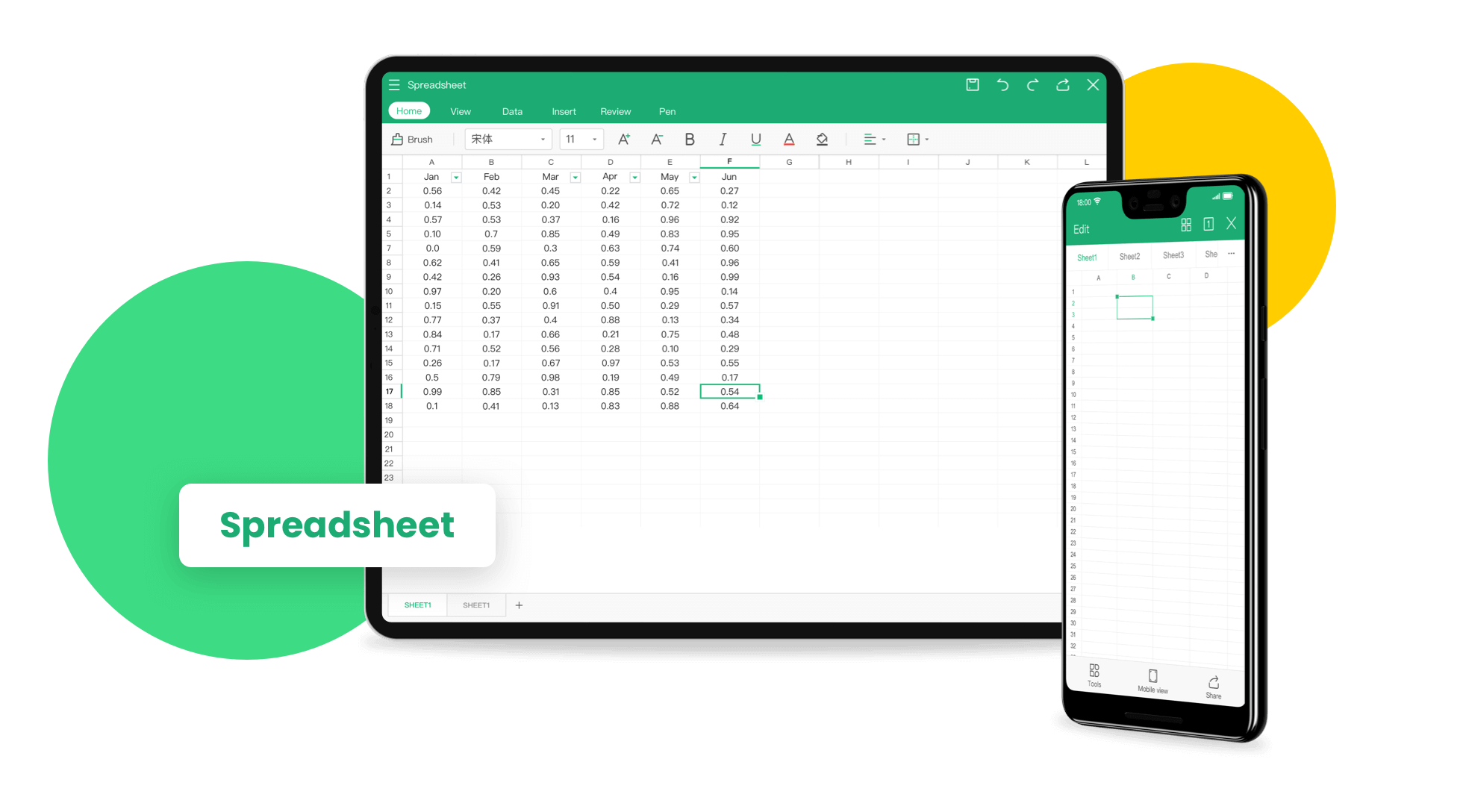
Create Spreadsheets Anytime
Effortlessly create spreadsheets in various formats anytime. Access a wide range of professional, refined templates to simplify data visualization, making it easy for beginners to craft professional-looking charts and tables.
- Professional Templates: Choose from hundreds of pre-designed templates for business, finance, and data analysis.
- Beginner-Friendly: Intuitive interface makes it easy for anyone to create professional spreadsheets.
- Data Visualization: Create stunning charts and graphs with just a few clicks.
Edit Excel Sheets Online Effortlessly
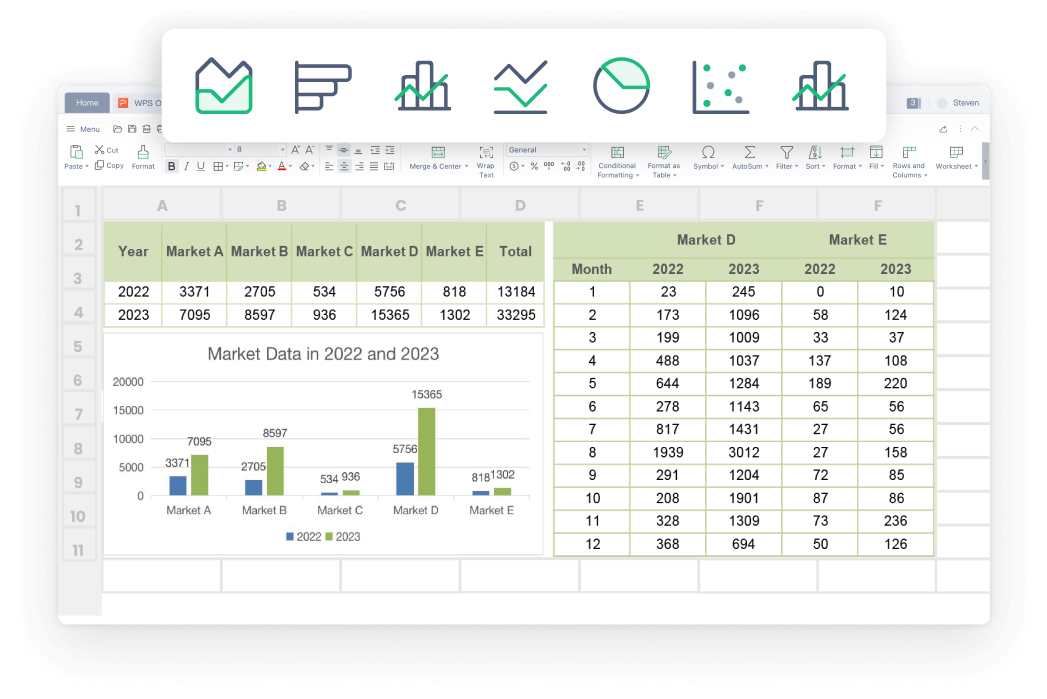
Open and edit any spreadsheet online with ease. Utilize AI-powered tools to organize data and generate charts, helping you craft professional documents effortlessly.
AI-Powered Organization
Smart data organization and analysis tools
Chart Generation
Automatic chart creation from your data
Professional Documents
Create business-ready spreadsheets instantly

Sync Excel Sheets Anywhere
Seamlessly sync your Excel sheet editing progress to the cloud, ensuring data security and avoiding loss. Download the software to synchronize progress with the web, enabling efficient, multi-device mobile work.
- Cross-Device Sync: Access your files on Windows, Mac, Android, and iOS devices.
- Data Security: Your files are encrypted and securely stored in the cloud.
- Auto-Save: Never lose your work with automatic saving and backup.
Multiple File Types
Support for XLS, XLSX, CSV, and other spreadsheet formats. Edit and convert between different file types seamlessly without losing data or formatting.
Secure Collaboration
Real-time collaboration with team members. Share spreadsheets securely and work together with advanced permission controls and encryption.
Professional Features
Advanced formulas, pivot tables, charts, and data analysis tools. Everything you need for professional spreadsheet work in the browser.
Simple Editing Workflow
Open Excel on WPS Office Web
Open your Excel sheet on the WPS Office online service. Access the editor directly in your browser without any software installation required.
Customize and Save Your Document
On the web page, add, remove, or edit fields as needed. Use professional templates and AI tools to enhance your spreadsheet. Don't forget to save your modified spreadsheet.
Export or Transfer Files
Save the file to WPS Cloud, export and download it locally, or send it directly to others. Access your files from any device with cloud synchronization.

Explore More Features
WPS Office offers a comprehensive suite of PDF tools and office applications. From PDF editing to document creation, get everything you need in one powerful platform.


FAQs & Hot Topics
Find answers to common questions and explore trending guides about WPS Online Excel Editor.
Frequently Asked Questions
Hot Topics
How to Use WPS Office Online Excel Sheet Editor
Complete guide to using WPS Office online Excel editor with step-by-step instructions for creating and editing spreadsheets.
Features of WPS Office Spreadsheet
Discover all the powerful features available in WPS Office Spreadsheet including formulas, charts, and collaboration tools.
Guide to Editing Excel Files Online
Learn how to edit Excel files online with WPS Office and discover the best Excel software apps for your needs.
How to Use Excel Online
Quick tutorials on how to use Excel online effectively, covering basic to advanced features for maximum productivity.
Start Editing Excel Right in Your Browser
Experience the most powerful online Excel editor with real-time collaboration, AI-powered tools, and seamless cloud sync - available in WPS Office.
No Installation
Works in any browser
Real-time Collaboration
Work with your team
Cloud Sync
Access from anywhere
WPS Office apps:

Start Editing Excel Online Now
Create and edit spreadsheets directly in your browser - available in WPS Office.