




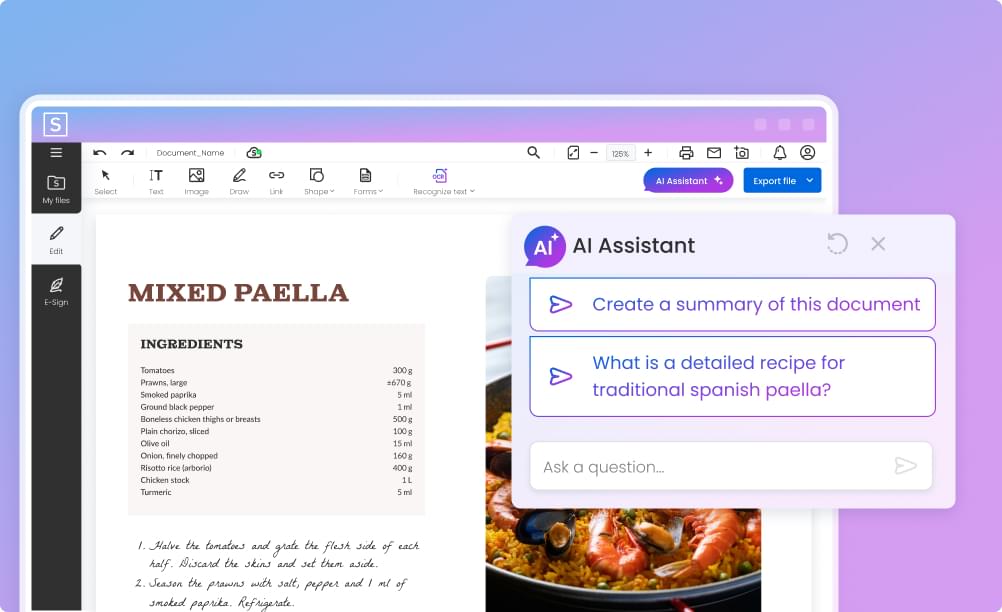
Smart compression
WPS PDF Compressor
Images are optimized while text stays razor sharp.
 WPS PDF Compressor
Download WPS Office to shrink PDFs for email, forms and upload limits.
 Shrink files by up to 90%Choose quality levelBatch compress many PDFsNo uploads — runs on your PC
100% safe & virus-free download





Excellent compatibility.
Performance is far above equivalent Microsoft tools, and the integrated PDF support makes daily work easier.
A great app that opens all types of documents successfully.
I no longer need a different app for every new file.
The free version did what I needed.
I later purchased the paid version and it worked well for years.
It helped me finish my assignments when my Microsoft account had already expired.
I use WPS to create documents, tests and worksheets.
Files open quickly, and PDFs can be opened and edited too.
WPS has been an excellent tool for my university activities as a teacher and researcher.
A smart app, free for normal use and with AI integrated.
I hope to see more useful ideas and plugins.
5.0 / 5150 million+ reviews
WPS Office is free to download and use. Core features are free; some advanced features may require WPS Pro.
Install WPS Office, then open the file or add the files you want to process.
Choose the compression level, then compress the file to reduce its size.
Check the result and save a new copy, keeping the original unchanged.
WPS PDF Compressor
Images are optimized while text stays razor sharp.
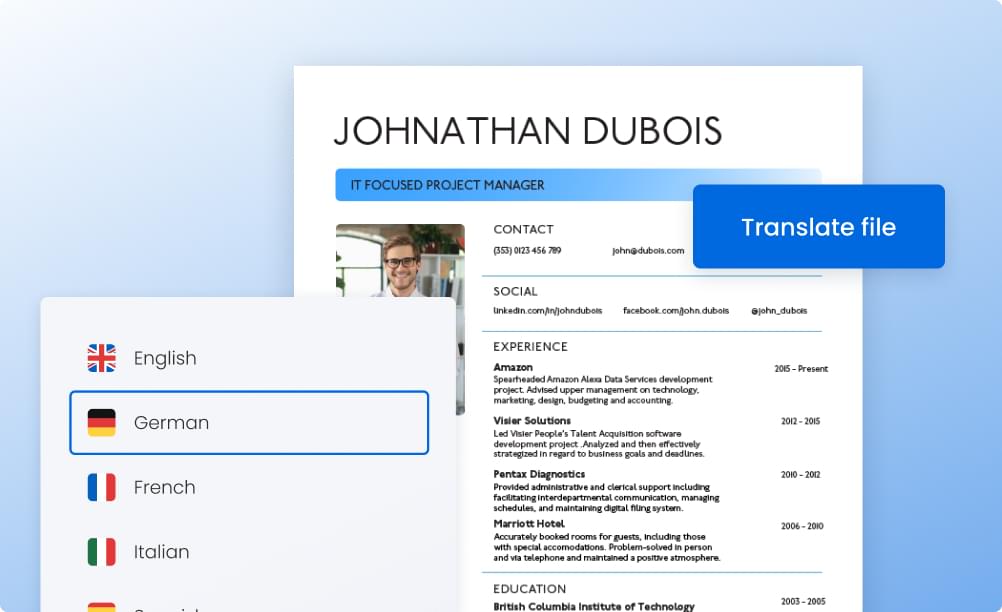
WPS PDF Compressor
Choose between smallest size and highest quality with a live size estimate.
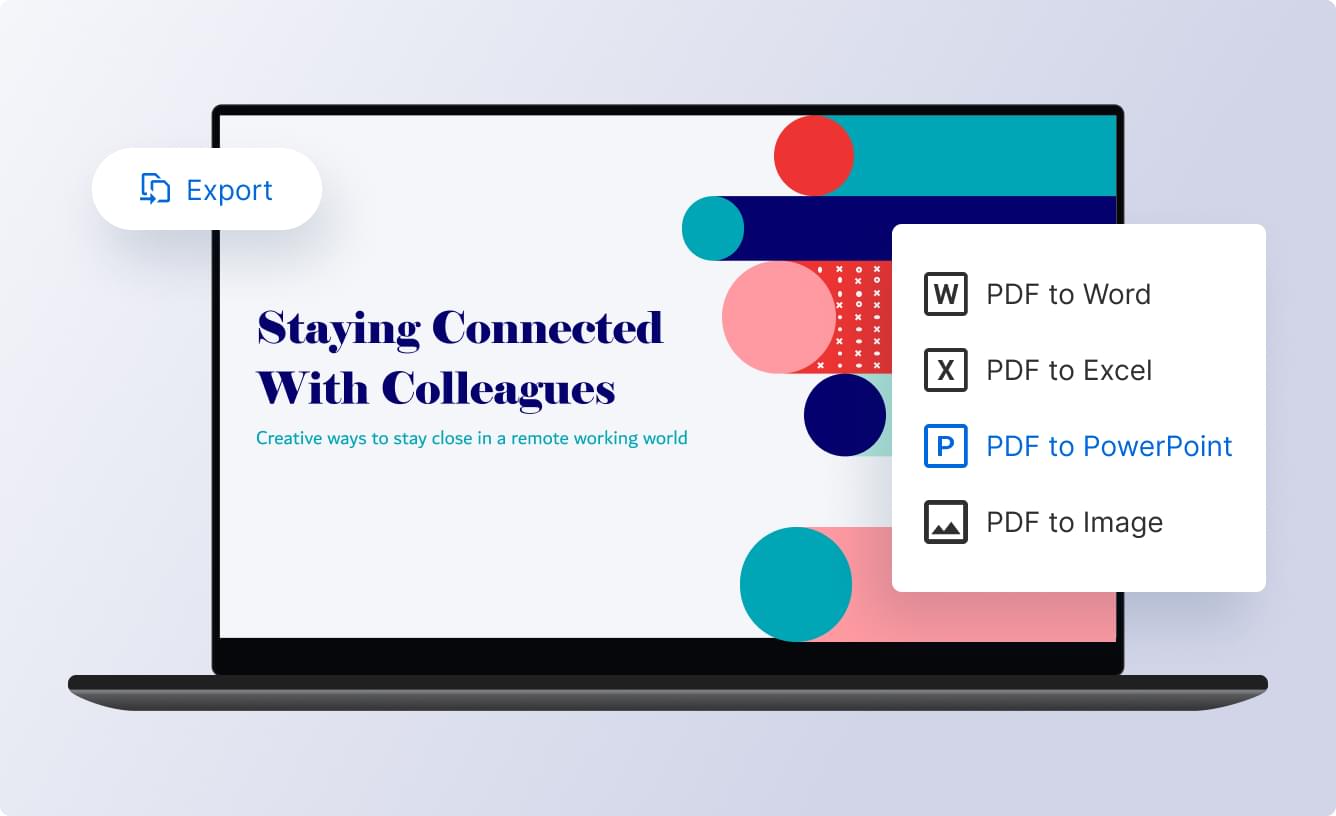
WPS PDF Compressor
Compress a whole folder of PDFs in one run.

WPS PDF Compressor
Reduce the size of Word, Excel and PowerPoint files with File Slimming.
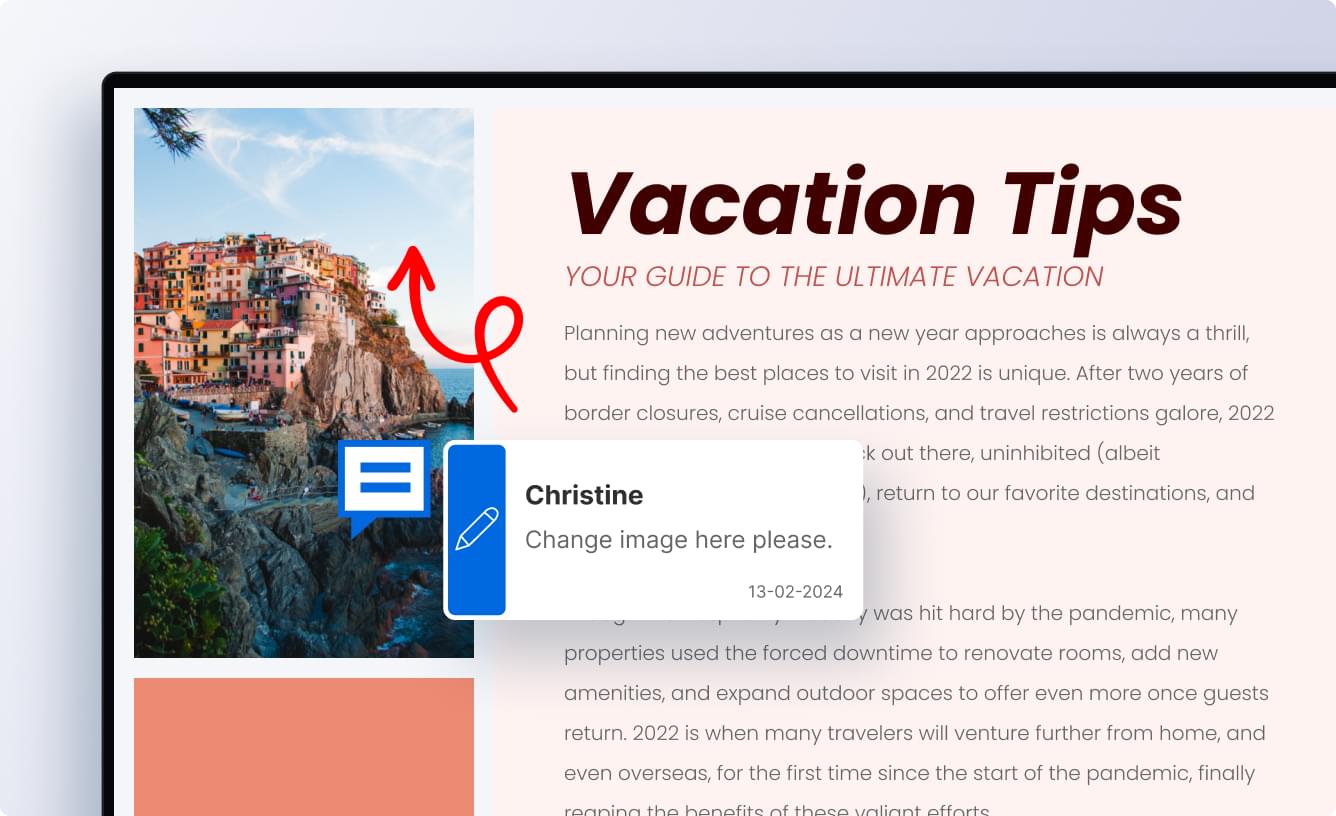
WPS Office
WPS PDF includes 80+ tools for editing, converting, merging, OCR, signing, and more.
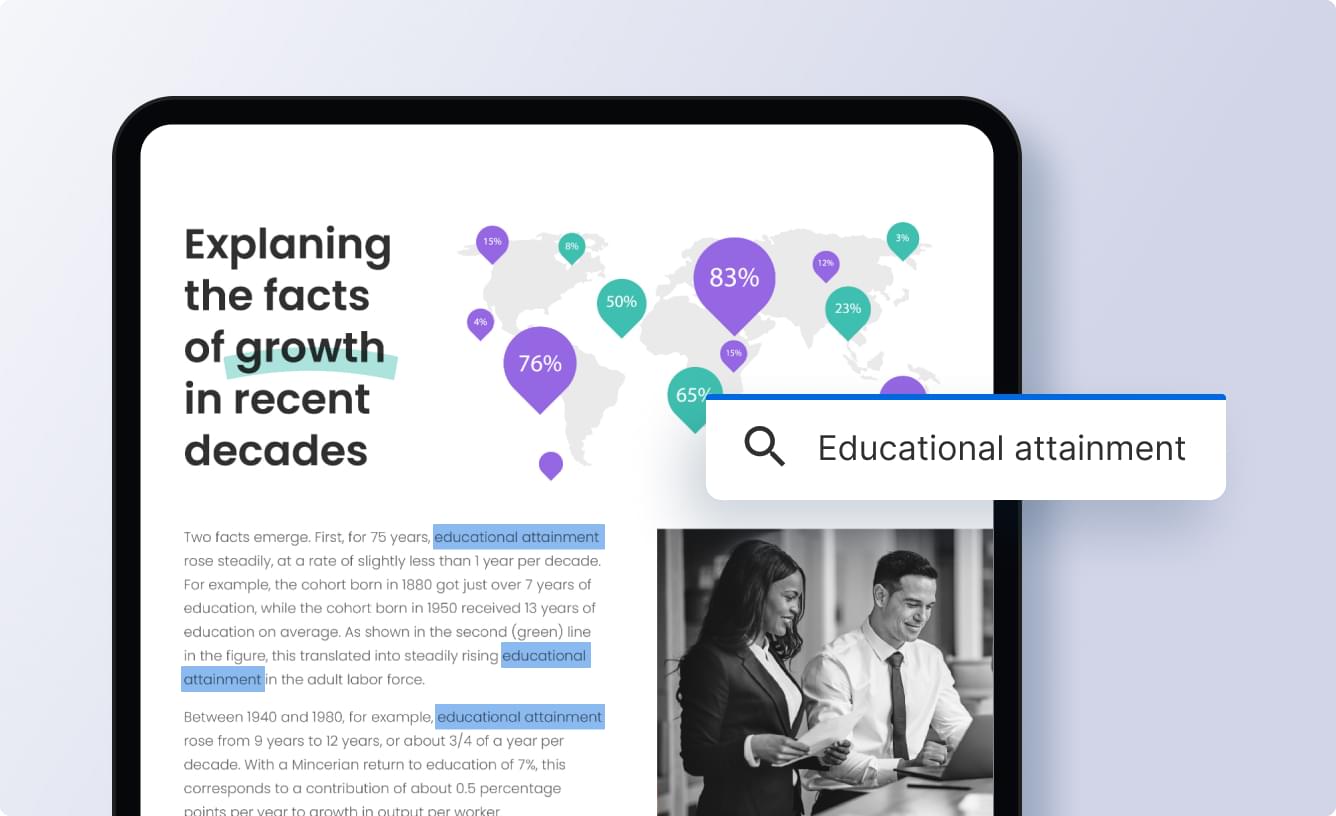
WPS Office
WPS AI works inside WPS Office to help you write, summarize, and finish tasks faster.
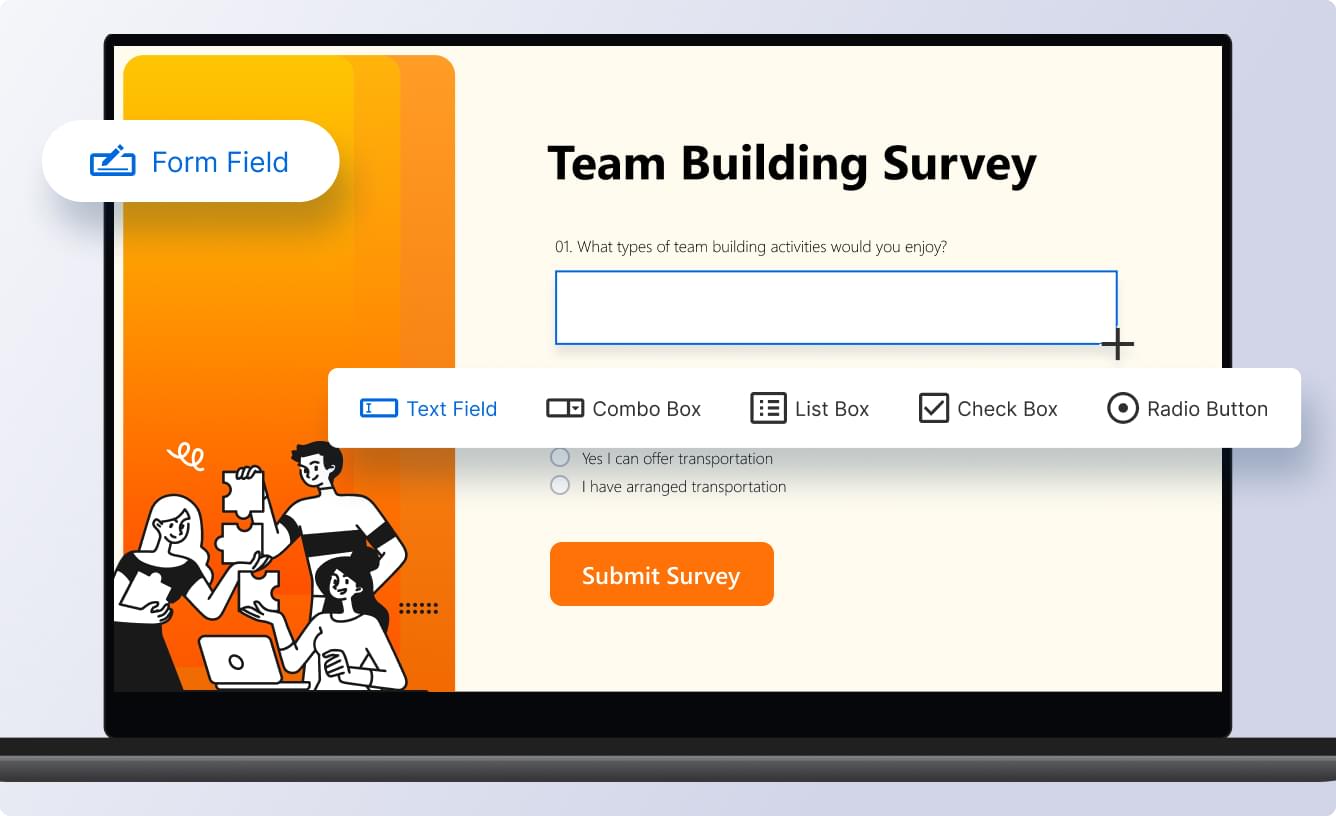
WPS Office
Switch between WPS and Microsoft without worries. Your files keep the same look and work the same way.
WPS Office
Move between devices while WPS keeps documents in sync. Collaborate in real time from anywhere.
Your privacy comes first. We use anonymous usage data for analytics and you can opt out at any time.
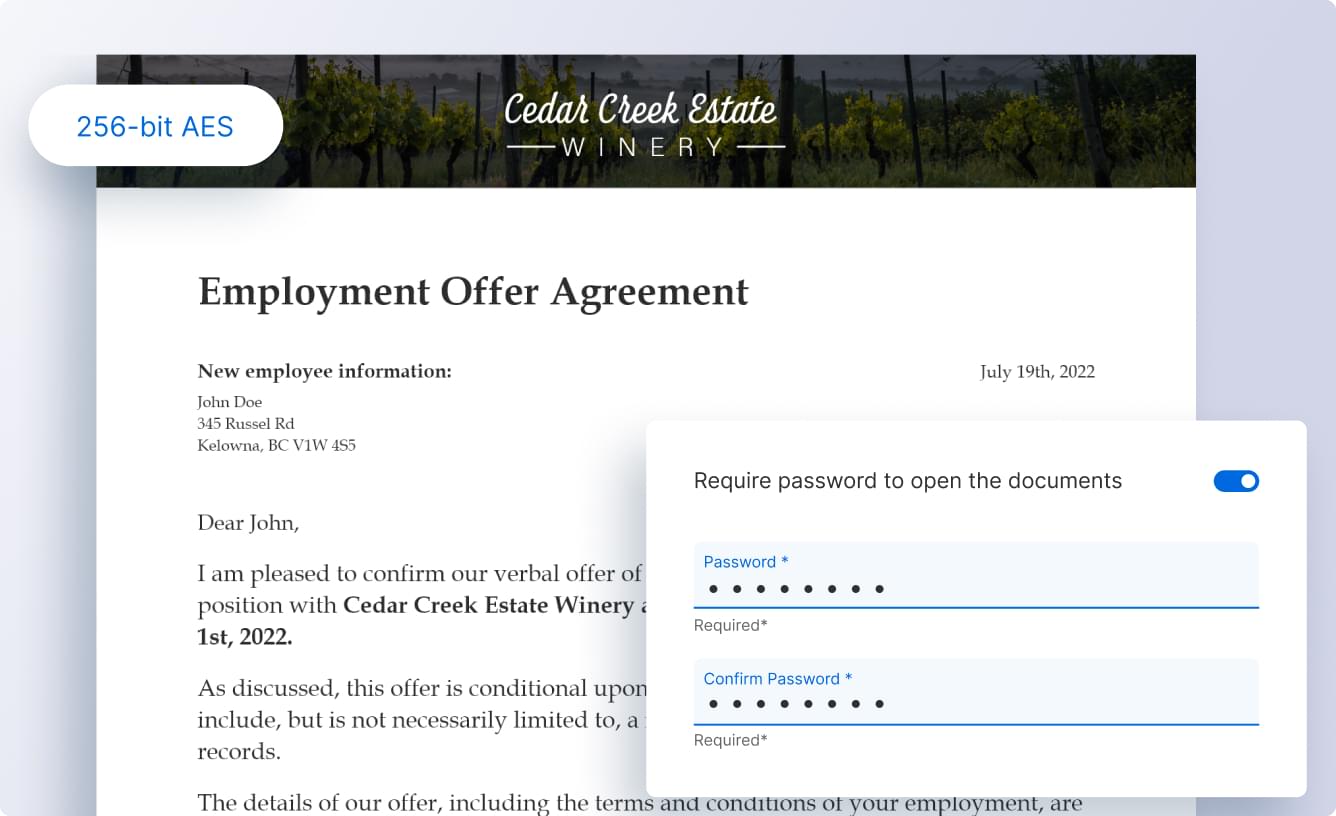
Document security matters. WPS Office helps protect your data with encryption and privacy controls.
Your work belongs to you. We keep strict confidentiality and do not share your documents unnecessarily.
 WPS Office
Writer, Spreadsheet, Presentation, PDF, and AI tools. Compatible with Microsoft Office.
 WPS Writer
 WPS Spreadsheets
 WPS PresentationWPS PDF

Your privacy comes first. We use anonymous usage data for analytics and you can opt out at any time.

Document security matters. WPS Office helps protect your data with encryption and privacy controls.

Your work belongs to you. We keep strict confidentiality and do not share your documents unnecessarily.
Why WPS Office?
G2 High PerformerSpring 2021 Recommended ApplicationsUNESCO-ICHEI
 Top App for Overseas MarketAPP Annie 2018
 Qualified SoftwareAWS
 2022 Users' PickUptodown
 Officially RecommendedMac App Store
WPS Office is free to download and use. Core features are free; some advanced features may require WPS Pro.
Basic document editing works offline. AI and cloud features require internet access. Features vary by device, region and plan.
Yes. WPS Office is developed by Kingsoft Office, is digitally signed, and is used by more than 600 million people worldwide.
WPS Office runs on Windows 11/10/8/7, macOS, Linux, Chromebook, Android and iOS. Basic document editing works offline. AI and cloud features require internet access. Features vary by device, region and plan.
No. WPS Office opens, edits and saves Word, Excel, PowerPoint and PDF files on its own.
One free download for documents, spreadsheets, slides and PDFs.
100% safe & virus-free download