 WPS OfficeWPS Office
 WPS PDF to JPG Converter
PDF → JPG
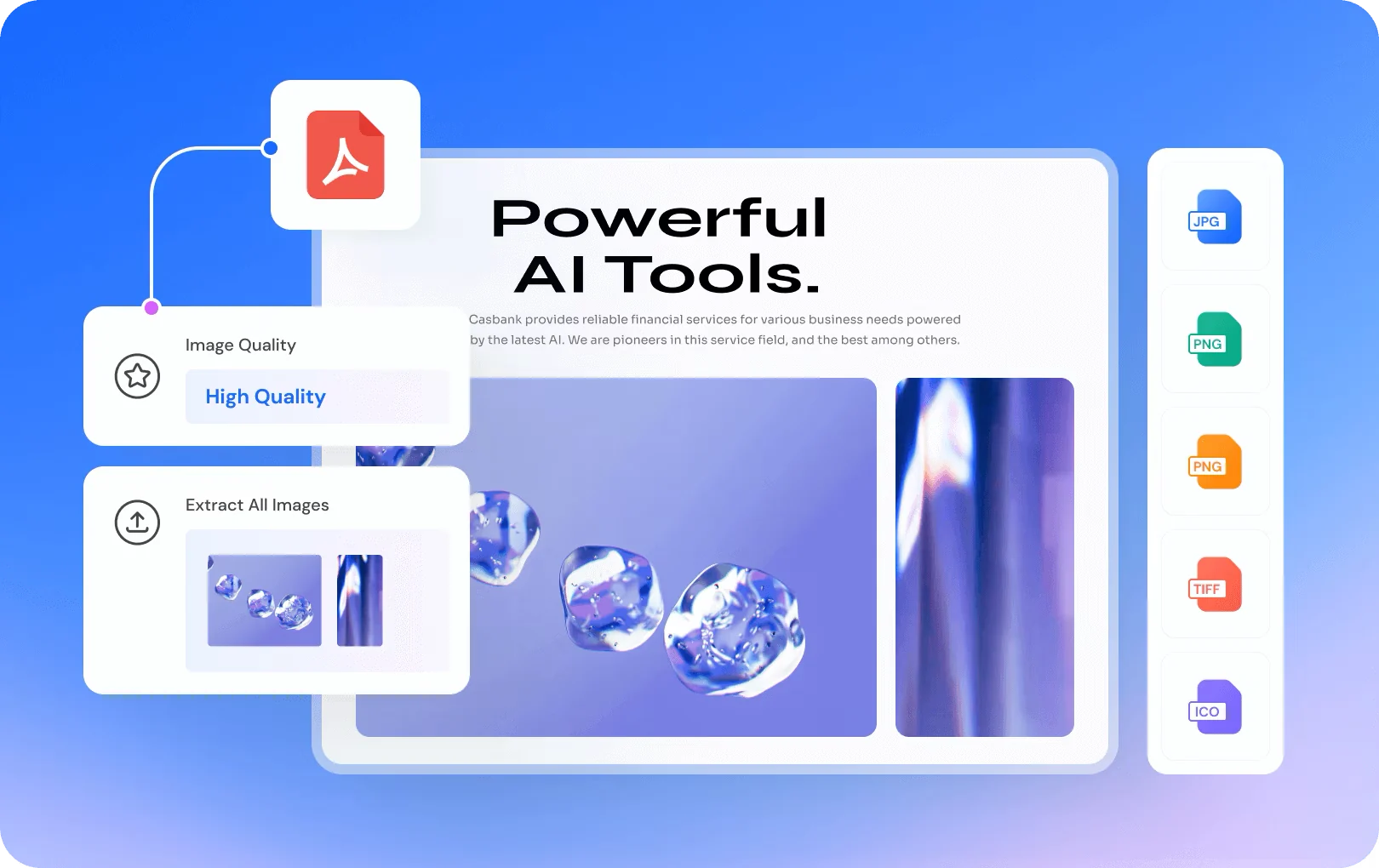
Convert PDF to JPG in high quality
Download WPS Office to save PDF pages as crisp JPG or PNG images.
 Every page or selected pages
- JPG, PNG or one long image
- Choose image quality
- No uploads — runs on your PC
Everything you need, in one free app
Sharp at any size
- Pick standard or high-definition output for social posts, slides or print.
- PDF · JPG · PNG · TIFF
A seamless workspace that stays safe and reliable
Document security matters. WPS Office helps protect your data with encryption and privacy controls.



Available for
 Windows
 macOS
- Linux
- ChromeOS
 iOS
 Android


Why WPS Office?

WPS PDF to JPG Converter
Works offline on your PC
No file uploads required
Edit Word, Excel & PowerPoint files
Full PDF toolkit in the same app
Built-in AI assistant
 https://
Works offline on your PC
No file uploads required
Edit Word, Excel & PowerPoint files
Full PDF toolkit in the same app
Built-in AI assistant
See why millions switch to an all-in-one desktop suite.
Free DownloadWhat Our Users Say


Excellent compatibility. Performance is far above equivalent Microsoft tools, and the integrated PDF support makes daily work easier.
 ——Ricardo De Paola




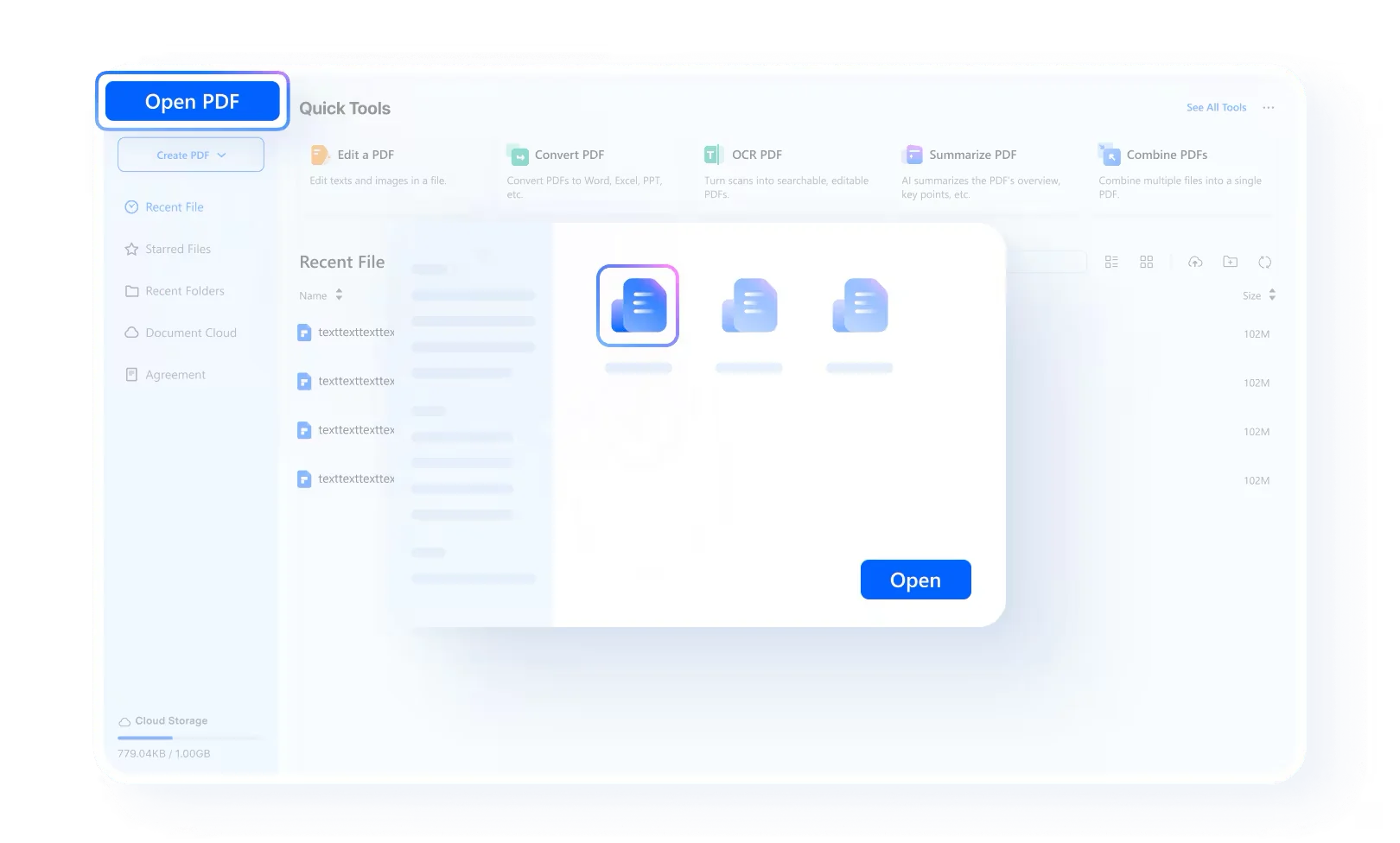
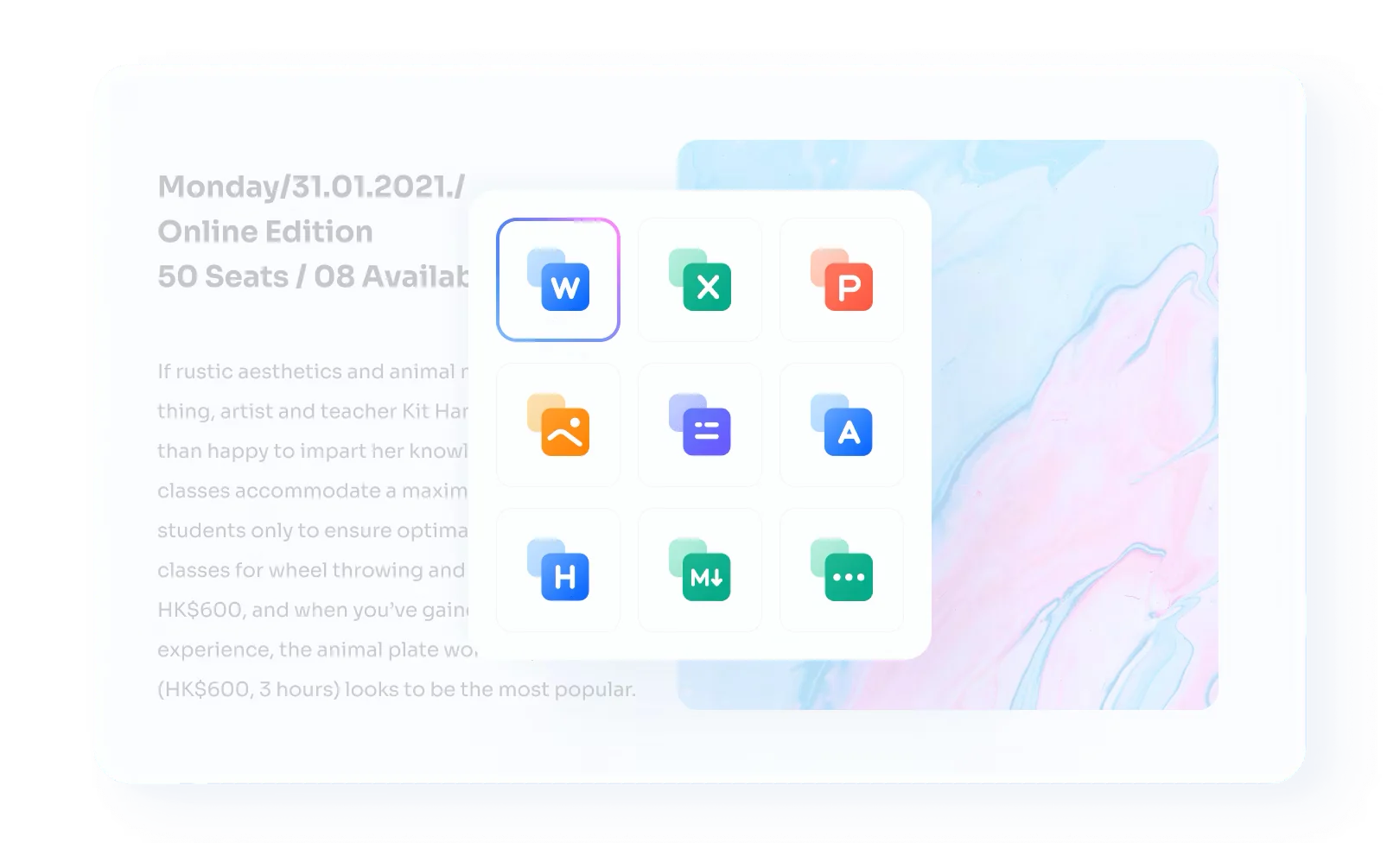
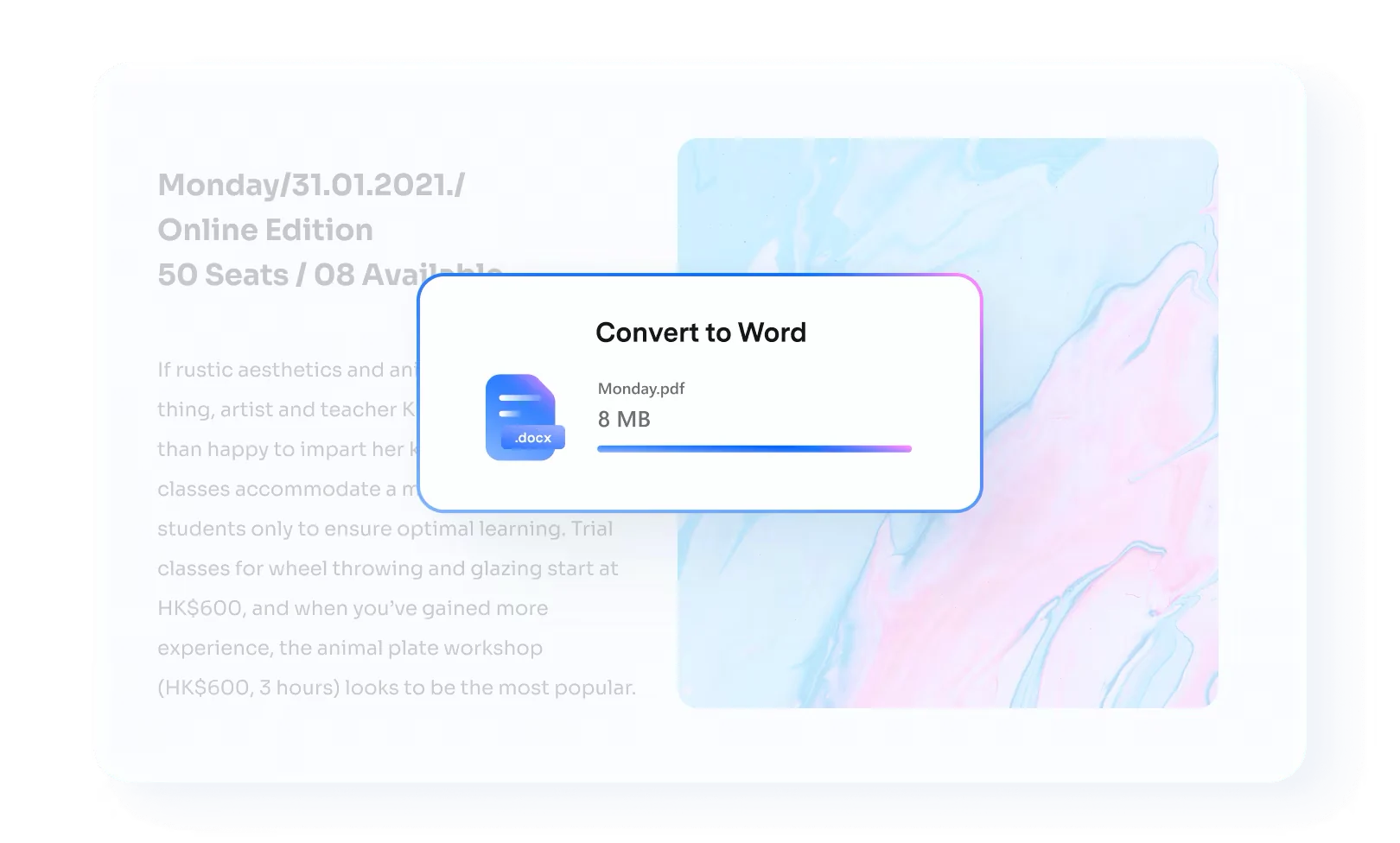
How to use PDF to JPG Converter in WPS Office
Frequently asked questions
WPS Office is free to download and use. Core features are free; some advanced features may require WPS Pro.
WPS OfficeWriter - Spreadsheet - Presentation - PDFAll-in-One Office Suite for Everyone
Writer, Spreadsheet, Presentation, PDF, and AI tools. Compatible with Microsoft Office.
All-in-one office suite with a powerful toolkit
 Auto Backup
 PDF to Word
 Picture to PDF
 Photo Editor
 PDF OCR
 Extract Text
 Templates
 Resume Master
 WPS Cloud
 Smart Form
 Split/Merge
 Screen Recorder
 WPS Academy
 Batch PDF Print
Get PDF to JPG Converter and the full WPS Office suite
One free download for documents, spreadsheets, slides and PDFs.


