
Work on the actual file
Keep a backup of the modern source deck.
WPS Office
Use WPS Presentation to create a PPT copy when an older workflow requires the legacy presentation format.
The older PPT format may not preserve newer presentation features exactly.
See how it works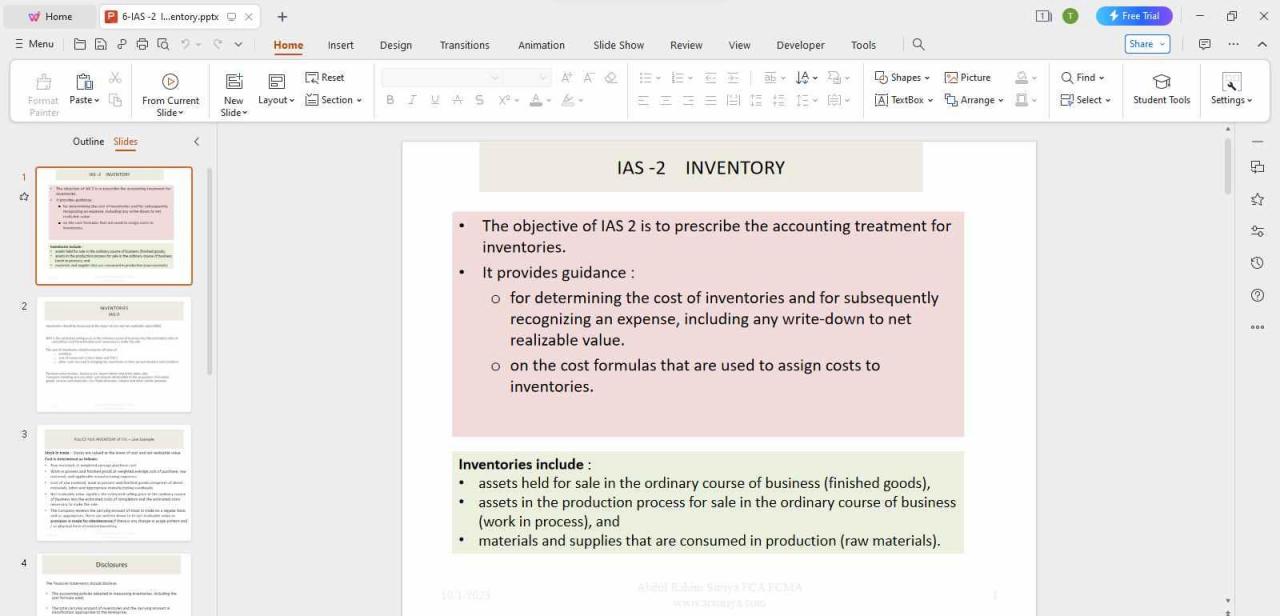
Using WPS Office
Install WPS Office, then follow these steps in the app. This webpage does not edit or convert your files.
Open the PPTXKeep a backup of the modern source deck.
About this workflow
Use WPS Office to work on the file, review the details and save the result in a suitable format.
Keep a backup of the modern source deck.
Choose the legacy presentation format in Save As and review compatibility warnings.
Check text, images, transitions and media in the receiving environment.
WPS Office
Work with your everyday office files in one app. Keep an editable source file and choose the sharing format your audience needs.
Explore this WPS capabilityHelp and information
This page downloads WPS Office. Features vary by platform, version and plan.
The older PPT format may not preserve newer presentation features exactly.
No. The download button gets WPS Office for your device. Open your file in the app and follow the described workflow. No file upload or conversion happens on this page.
Check text, images, transitions and media in the receiving environment. Keep the original file and confirm the output in the application or service that will receive it.
On Windows or macOS, WPS starts the app download. On Linux, copy the installation command or choose a manual package. On iPhone, iPad, Android or Chromebook, continue to the appropriate app store. This page does not upload, convert or edit your files.
Start with WPS Office
Get WPS Office for Windows.
The older PPT format may not preserve newer presentation features exactly.