Annotate PDFs for Free
Our PDF annotator instantly annotates, marks up, and comments on text or images in PDFs, helping you to highlight important information.
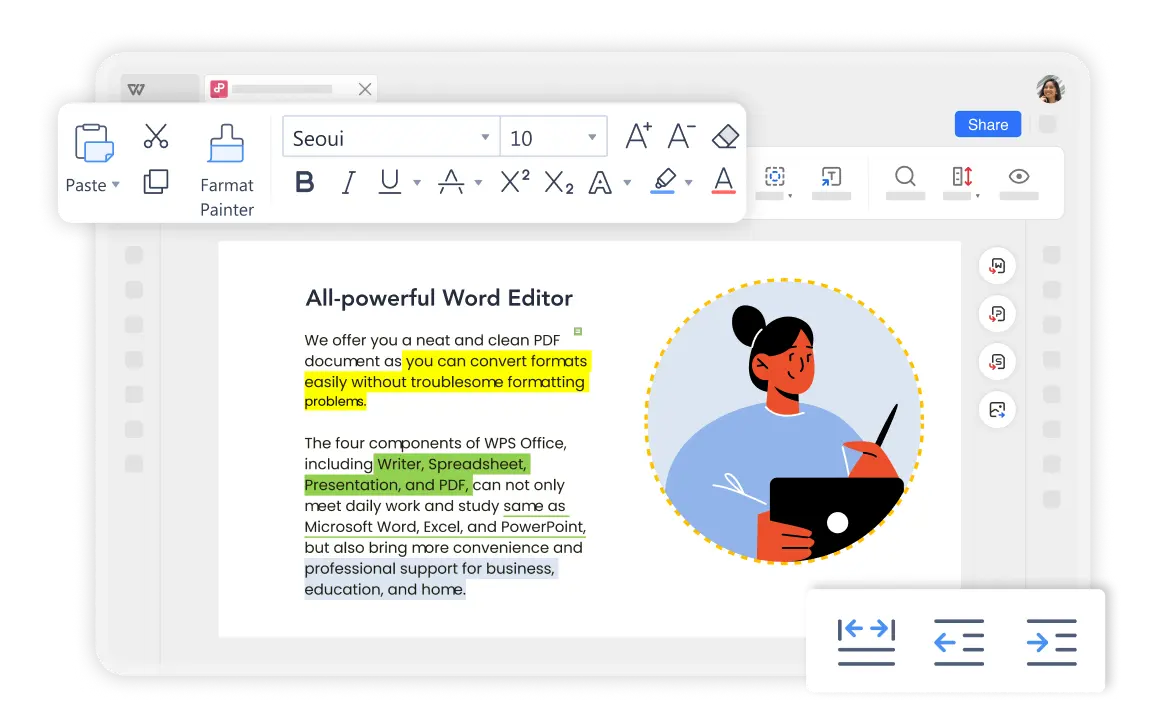
Annotate PDFs However You Like
With WPS Office PDF Annotator, you can easily highlight, comment, and markup PDFs with professional annotation tools that make your documents come alive.

Markup PDF with Professional Tools
With WPS Office PDF Annotator, you can easily highlight and underline text in a PDF document. It helps to quickly find the important information from a large PDF file.
- Add Notes and Comments: You can point out and share the important idea with others directly by adding notes or comments to a PDF.
- Handwrite on PDF: PDF documents will look nice with annotating by drawing tools with shapes.
Colorful PDF Annotation Made Easy
This free annotation tool lets you effortlessly mark up text using a range of colors. With just a click, you can highlight specific areas, or you can choose to highlight by sentence or paragraph, making your PDFs look even better.
Multiple Color Options
Choose from various highlight colors for different content types
Smart Selection
Highlight by sentence, paragraph, or custom selection

Annotate PDFs Anywhere Anytime
When you're annotating PDFs just the way you like, WPS Office PDF annotator goes the extra mile with cross-platform syncing. With a single account, you can sync files across Windows, Mac, Android, and iOS devices.
A Faster, Easier Way to Annotate
Starting from opening your PDF document, you can use the Highlight, Comments, and Notes features to annotate PDFs. Additionally, WPS Office provides a variety of colored pens, so you can easily emphasize key information.
OCR PDF Support
If you've got scanned PDFs, like e-books or textbooks, WPS Office PDF annotator is the way to go. Its OCR PDF feature can turn scanned PDFs into searchable, editable documents.
Simple Annotation Workflow
Open a PDF
Open your PDF document in the WPS Office PDF annotator. Simply launch WPS Office and select the PDF file you want to annotate - no external uploads needed.
Annotate your PDF
Navigate to 'Home' > 'Highlight', then select the color and text you want to annotate. Choose from multiple colors and annotation styles.
Comment on PDF
Select 'Comment' > 'Note Mode' to make your notes on the PDF. Add detailed comments and share your insights with others.

Convenient PDF Annotator for Everyone
Annotate PDFs anywhere anytime
When you're annotating PDFs just the way you like, WPS Office PDF annotator goes the extra mile with cross-platform syncing. With a single account, you can sync files across Windows, Mac, Android, and iOS devices. This means you can annotate wherever you are and access your PDFs whenever you need them, no matter which device you're using.
A faster, easier way to annotate a PDF
Starting from opening your PDF document, you can use the Highlight, Comments, and Notes features to annotate PDFs. Additionally, WPS Office provides a variety of colored pens, so you can easily emphasize key information in your PDFs. You can also use the handwriting tool for annotations, making it as simple and seamless as taking notes in a book.
Explore More Features
WPS Office offers a comprehensive suite of PDF tools and office applications alongside the AI Photo Enhancer. From PDF editing to document creation, get everything you need in one powerful platform.


FAQs & Hot Topics
Find answers to common questions and explore popular guides about PDF annotation.
FAQS
Hot Topics
How to Highlight a PDF in WPS Office
A comprehensive guide to highlighting text in PDF documents using WPS Office's annotation tools.
How to Annotate PDF Files in Google Chrome
Learn 3 common methods to annotate PDF files directly in Google Chrome browser for quick and convenient editing.
Can't Highlight Text in PDF? Check to Fix It
Troubleshoot common issues when you can't highlight text in PDF files and find the real solutions that work.
How to OCR PDF in WPS Office
Unlock new possibilities for scanned documents by learning how to use OCR features in WPS Office to make PDFs searchable and editable.
Start Annotating PDFs. available in WPS Office.
Experience the most powerful PDF annotator with cross-platform sync, colorful highlights, and professional annotation tools - all available in WPS Office.
available in WPS Office
flexible options, no watermarks
Cross-Platform
Windows, Mac, Mobile
Professional Tools
Highlights, notes, comments
WPS Office apps:

Start Annotating PDFs for Free
Experience professional PDF annotation with cross-platform sync - available in WPS Office.