Split PDF pages quickly - Extract specific pages or split every few pages with customized options
Retain original quality - Maintain formatting and quality without any content alteration
Reduce file size & save storage - Create smaller, manageable files for easier sharing
PDF DOCUMENT
SPLIT OPTIONS
WPS PDF Splitter makes it easy to separate PDF pages and extract PDF pages quickly and efficiently with customized options and quality preservation.
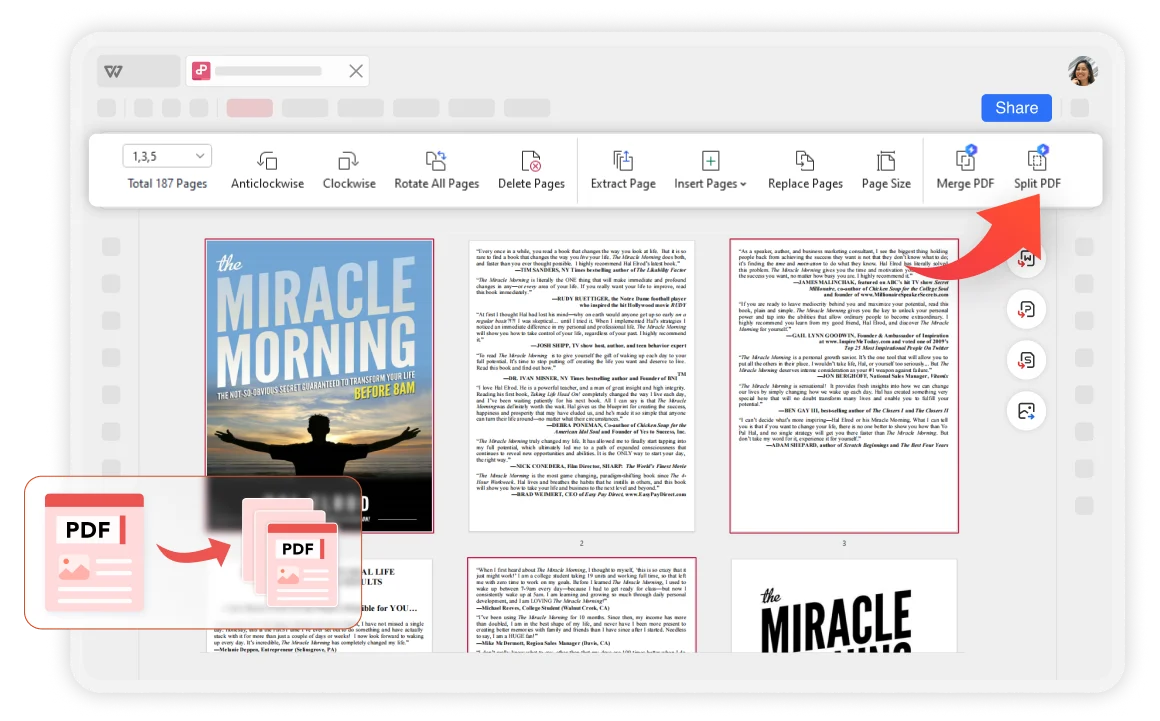
Select specific page ranges to be segmented or use automatic segmentation rules like splitting every few pages. Process large PDF files more efficiently while meeting all your splitting needs.
Compared to other online software, WPS is more secure with over thirty years of experience and strict privacy policies that ensure the security of your materials.
Access and create your PDF files from any device. Easily customize and split PDF pages on Windows, macOS, Linux, Android, and iOS for better document organization.
Maintain original document quality and format during splitting. Robust PDF editing capabilities that adhere to industry standards for file compatibility and format preservation.
Open your PDF document in WPS Office. The secure environment ensures your documents remain private while you work with the powerful PDF tools.
Select pages and set splitting options. Choose specific page ranges or use automatic rules to quickly split certain PDF pages in a short amount of time.
The splitted pages will be saved automatically in a folder. You can check and compare with the original PDF file's quality to ensure perfect results.

WPS Office offers a comprehensive suite of PDF tools and office applications. From PDF editing to document creation, get everything you need in one powerful platform.
Find answers to common questions about PDF splitting and explore trending tutorials.
Step-by-step guide to quickly splitting PDF files into multiple pages using WPS Office's efficient tools.
Learn how to leverage WPS Office's PDF editor features for advanced page splitting and document management.
Master efficient page selection techniques for faster PDF manipulation and batch operations.
Comprehensive guide to printing large images across multiple pages using WPS Office's advanced printing features.
Experience the most efficient PDF splitter that maintains quality while offering customized splitting options and secure processing - completely free.
No hidden costs ever
Original format maintained
Split in seconds
Available on all platforms:

Experience smart PDF splitting with quality preservation - completely free.


