Password Protection - Lock access to open, extract, or edit your PDF documents with advanced encryption
Flexible Security Settings - Customize protection based on document importance and usage requirements
Enterprise-Grade Security - Trusted by millions for protecting sensitive business and personal documents
DOCUMENT PROTECTION
Password
Watermark
WPS PDF Protector offers comprehensive security features to safeguard your sensitive documents from unauthorized access, editing, and distribution.

Add powerful password protection to lock access for opening, extracting, or editing your PDF documents. Set flexible security measures based on document importance to ensure maximum protection during storage, transmission, and sharing.
Compared to other online software, WPS is considered more secure with over thirty years of experience and strict privacy policies. As a reputable office suite, WPS Office provides robust PDF protection that adheres to industry standards.
Trusted by millions worldwide for document security
Your documents remain private and secure
Compliant with global security requirements
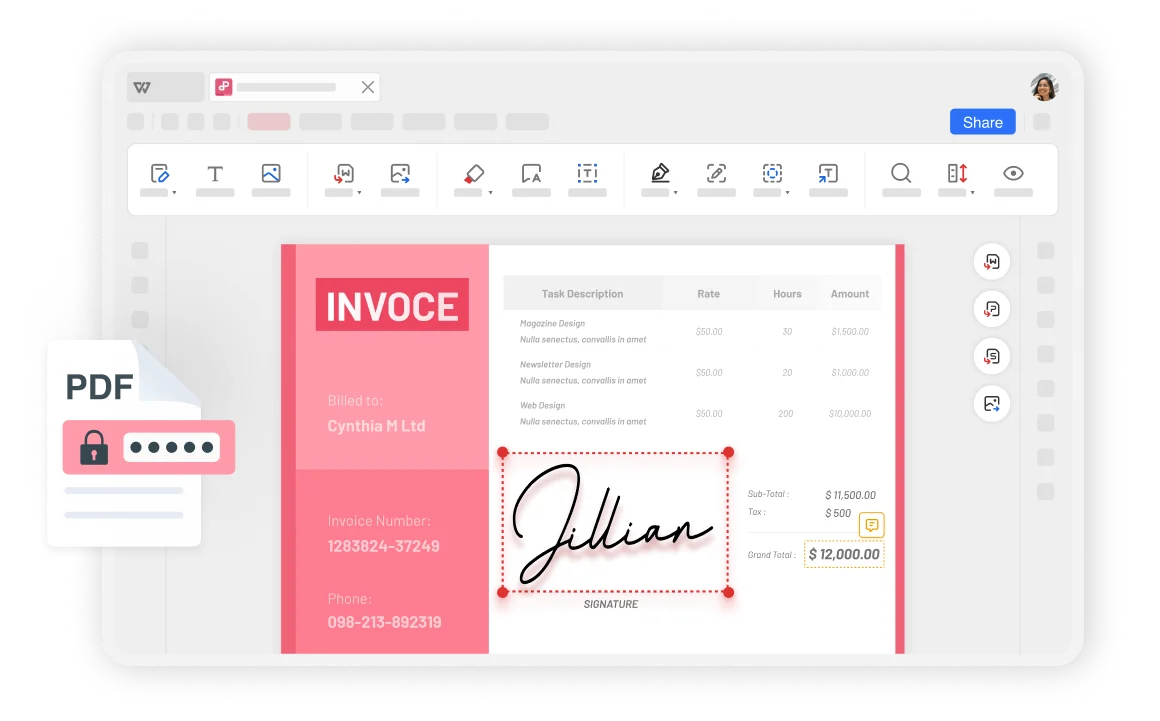
Using WPS Office's efficient cloud services ensures PDF file security across Windows, macOS, Linux, Android, and iOS, preventing unauthorized modifications.
Using WPS Office PDF online tool allows any device to access and create your PDF files, ensuring user convenience and flexibility across all platforms.
PDF protector is not only easy to use but also helps you securely protect sensitive information and important data for work, confidential documents, or personal files.
Open your PDF files in WPS Office and select "Protect" on the tab. This will access the comprehensive security features available for your document protection needs.
Click "Encrypt" and choose the protection options, such as opening, editing and extracting, copying and printing, or watermarking to customize your security settings.
Set your password and click "confirm" to complete encrypting for free. Your PDF is now securely protected with your chosen security settings and password requirements.

WPS Office offers a comprehensive suite of PDF tools and office applications alongside the AI Photo Enhancer. From PDF editing to document creation, get everything you need in one powerful platform.
Find answers to common questions about PDF protection and explore trending guides to maximize your document security.
Learn the complete process of encrypting PDF files to protect sensitive information with advanced security measures.
Secure your WPS Writer documents with encryption to protect confidential content and prevent unauthorized access.
Learn how to unlock and edit protected text content in WPS Writer documents when you have the necessary permissions.
Resolve issues when Excel files are locked for editing and learn how to unlock them safely without losing data.
Experience the most trusted PDF protection solution with advanced encryption, flexible security settings, and watermark protection - completely free.
256-bit encryption protection
Customizable permissions
Watermarks & branding
Available on all platforms:

Advanced encryption and protection features - completely free forever.


