Professional PDF Signer Free & Secure
Digital Signatures - Encryption technology prevents tampering and ensures document authenticity
Multiple Signatures - Allow multiple users to sign sequentially or simultaneously
30+ Years of Security - Trusted by 200 million users worldwide
DOCUMENT
SIGNATURE
Sign PDFs, Securely & Legally
Experience seamless and secure PDF signing with digital signatures, multiple user support, and industry-standard encryption to ensure document authenticity and legal compliance.
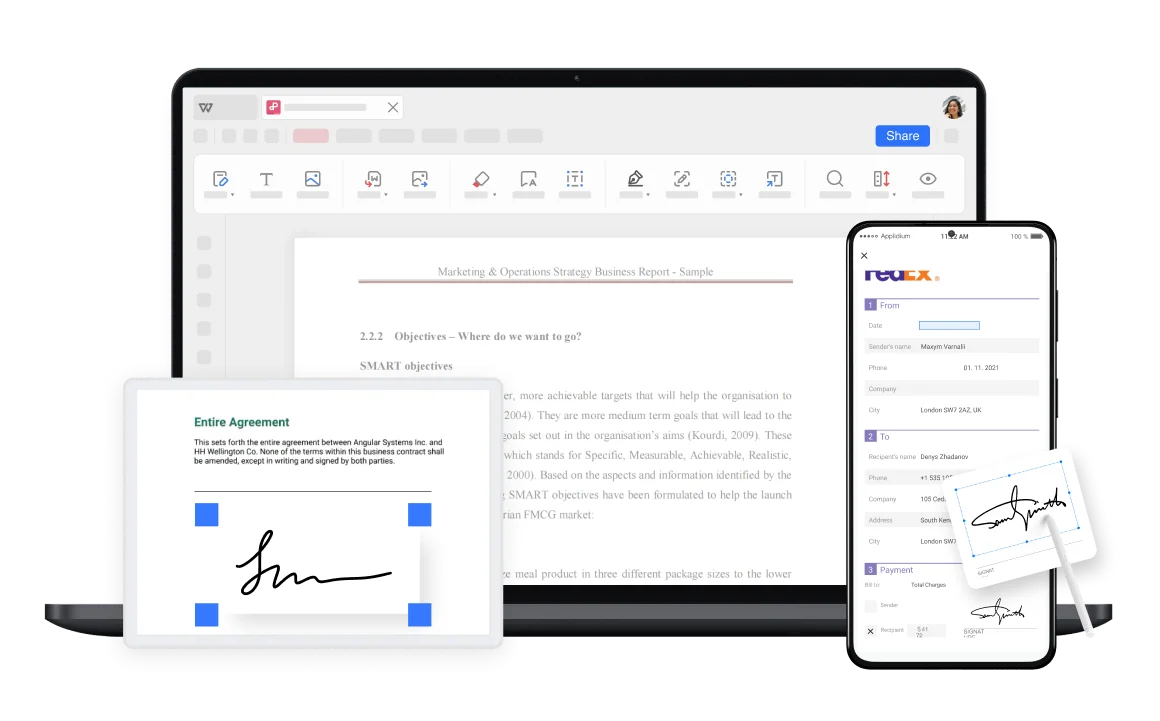
Digital Signatures with Encryption
Digital signatures use advanced encryption technology to prevent tampering and ensure authenticity. Perfect for contracts, agreements, legal documents, and any professional paperwork requiring secure authentication.
- Encryption Technology: Advanced security prevents content tampering and ensures document integrity.
- Certificate Protection: Password-protected certificates add an extra layer of security.
- Legal Compliance: Electronic signatures are legally binding in many jurisdictions worldwide.
Multiple Signatures Support
Allow multiple users to sign the same document sequentially or simultaneously. Perfect for contracts, agreements, and collaborative documents requiring approval from multiple parties.
Sequential Signing
Users sign one after another in order
Simultaneous Signing
Multiple parties can sign at the same time
Signature Management
View and manage all signatures in one place

Security & Reliability
With over 30 years of experience, WPS Office provides robust security with strict privacy policies. Files are automatically deleted from servers within one hour.
Cloud-Based Services
Access and sign PDFs from any device. Cloud services ensure convenience and flexibility across Windows, macOS, Linux, Android, and iOS platforms.
Professional Documents
Perfect for contracts, agreements, legal documents, and business paperwork. Ensure compliance and authenticity for any professional signing scenario.
3 Simple Steps to Digital Signing
Open a PDF
Open your PDF document in WPS Office. The secure environment ensures your documents remain protected throughout the signing process.
Add a Signature
Click "Certificate signature" > "Add Certificate" > Fill in your certification information > Set Certificate protection password.
Position the Signature
Double click the PDF document to place the signature. You can also manage and view the signature to ensure proper placement and security.

Explore More Features
WPS Office offers a comprehensive suite of PDF tools and office applications alongside the AI Photo Enhancer. From PDF editing to document creation, get everything you need in one powerful platform.


FAQs & Hot Topics
Find answers to common questions about PDF signing and explore trending guides.
Frequently Asked Questions
Hot Topics
Complete Guide: How to Digitally Sign a PDF
Learn how to digitally sign PDF documents easily and securely with step-by-step instructions and best practices.
How to Add a Signature to a PDF
A comprehensive step-by-step guide on adding signatures to PDF documents using various methods and tools.
Sign Out of Microsoft Account in Windows 10
Complete guide on how to sign out of your Microsoft account in Windows 10 with detailed instructions.
Sign PDFs Securely. Start Signing Smart.
Experience the world's most trusted PDF signer with digital signatures, multiple user support, and 30+ years of security expertise - available in WPS Office.
100% Secure
Encryption & auto-delete
Legally Binding
Digital certificates
Multi-User
Multiple signatures
WPS Office apps:

Start Signing PDFs Securely
Digital signatures with encryption technology - available in WPS Office and legally binding.