Unlock PDF Password Protection Instantly & Securely
Instantly Remove Passwords - Unlock encrypted PDFs with a simple click while keeping your data secure
Customizable Security Settings - Control unlock, edit, copy, print permissions with precision
Privacy First - All processing happens locally on your device - no file uploads required
LOCKED PDF
UNLOCKED PDF
Unlock Your PDFs, Protect Your Privacy
WPS PDF Unlocker provides powerful password removal capabilities while maintaining complete security and privacy. Remove restrictions from your PDFs with customizable control over permissions.
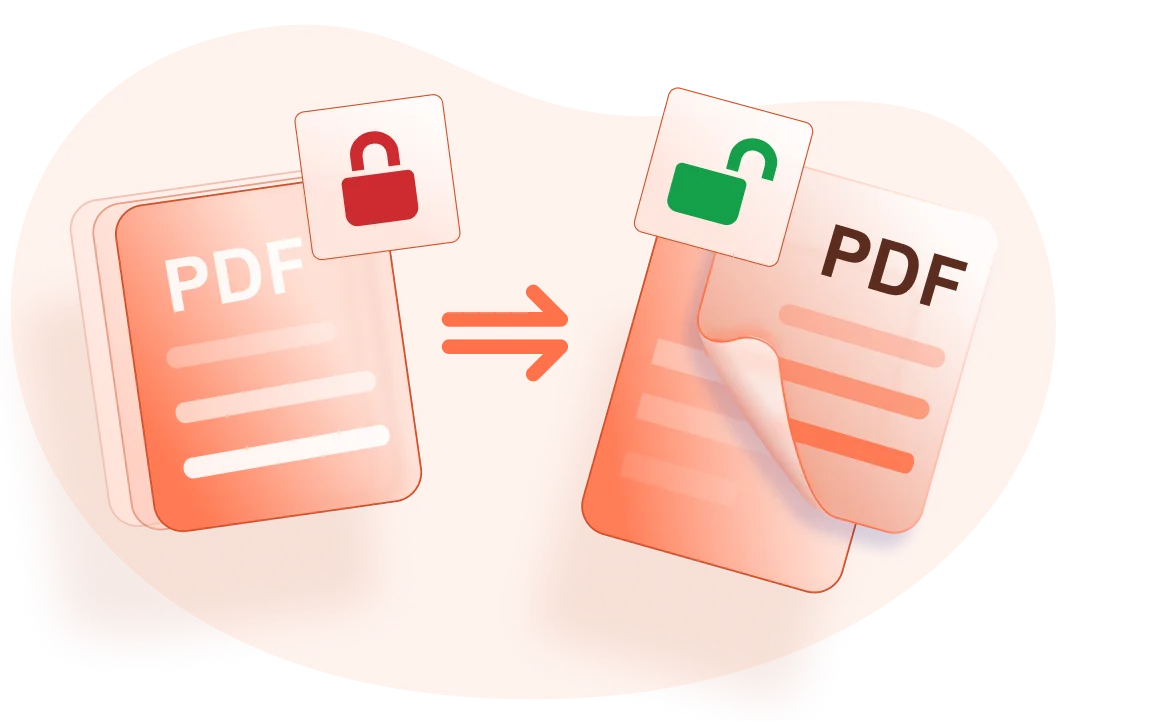
Instantly Remove PDF Password Protection
Remove encryption and unlock password-protected PDF documents with a simple click. Open, edit, copy, print, or add watermarks to your PDFs without restrictions while maintaining complete control over security settings.
- One-Click Unlock: Simply enter the current password and remove all restrictions instantly.
- Customizable Permissions: Choose which restrictions to remove - unlock opening, editing, copying, printing, or form filling.
- Enhanced Annotations: Add handwritten notes and drawings to your unlocked PDFs with advanced annotation tools.
Security and Reliability You Can Trust
Compared to online tools, WPS Office provides superior security with over thirty years of experience. Your documents stay on your device with strict privacy policies ensuring complete data protection.
30+ Years Experience
Trusted by millions with proven security standards
Strict Privacy Policies
Review the privacy policy before processing sensitive documents
Industry Standards
Robust PDF editing with full format compatibility and preservation

Cloud-Based Services
Access and unlock your PDF files from any device with WPS Office's efficient cloud service. Available on Windows, macOS, Linux, Android, and iOS.
Universal Access & Convenience
Using WPS Office PDF online tool allows any device to access and unlock your PDF files, ensuring maximum convenience and flexibility. Work seamlessly across all your devices with synchronized access.
- Cross-Platform Access: Unlock PDFs on any device - desktop, tablet, or mobile.
- Efficient Cloud Service: Fast processing with reliable cloud infrastructure for seamless workflow.
- User Convenience: Maintain your workflow across devices with synchronized document access.
Instant Password Removal
Remove PDF encryption instantly with a simple click. Enter the current password and get immediate access to your unlocked PDF document with all restrictions removed.
Customizable Settings
Fine-tune password removal with customizable settings. Choose to unlock opening, editing, copying, printing, inserting pages, or filling forms according to your specific needs.
Enhanced Annotations
Add handwritten notes and drawings to your unlocked PDFs with advanced annotation tools. Make your documents look professional with shapes and drawing capabilities.
Simple PDF Unlock Workflow
Open a PDF
Open your password-protected PDF document in WPS Office. The software will detect the encryption and prompt you for the password to begin the unlocking process.
Unlock PDF
Click "Protect" then click "Encrypt" on the tab to access the password removal settings.
Encryption Settings
In the pop-up dialog, uncheck the options for setting the open password. The opening password will be removed from protection immediately. Customize other settings like copy, print, and notes as needed.

Explore More Features
WPS Office offers a comprehensive suite of PDF tools and office applications. From PDF editing to document creation, get everything you need in one powerful platform.


FAQs & Hot Topics
Find answers to common questions about PDF unlocking and explore trending topics related to PDF password removal.
FAQs
Hot Topics
How to remove password easily from PDF files
How To Remove Password From Pdf | 3 Easy Methods
How to Break PDF Password Without Password
How to Open Password-protected PDF without Password
Stop Being Locked Out. Start Unlocking Smart.
Experience the most secure PDF unlocker that removes password protection instantly while keeping your documents 100% private - available in WPS Office.
100% Secure
No uploads required
Instant Unlock
One-click password removal
Customizable
Control permissions
WPS Office apps:

Unlock Your PDFs Instantly
Remove password protection securely and privately - available in WPS Office.