Revitalize Your PowerPoint Presentations
Repair Damaged PPT/PPTX Files - Restore corrupted presentations with just a few clicks
Perfect Layout Preservation - Maintain slide designs, charts, and formatting integrity
Multi-Version Support - Compatible with PowerPoint 97 to Office 365 on Windows & Mac
CORRUPTED FILE
REPAIRING...
Restoring slide content...
REPAIRED SUCCESSFULLY
Repair Everything, Perfectly Restored
WPS Office PowerPoint Repair combines powerful recovery features to restore damaged presentations, from corrupted content to broken layouts, all while maintaining original design integrity.

Recover Essential Content, Completely
Efficiently recover essential content from corrupted PowerPoint presentations, including text, charts, and images. Ensure that all critical information is fully restored with precision, making your slides ready for use once again.
- All Content Types: Restore text, images, charts, SmartArt, and multimedia elements seamlessly.
- Data Integrity: Critical information is preserved with precision, maintaining original meaning.
- Quick Processing: Repair damaged files in just a few seconds without quality loss.
Restore Perfect Layout and Design
Efficiently restore slide master designs, font styles, SmartArt graphics, and chart data associations without loss. After file repair, the file is ready for presentation or further editing, saving you time and eliminating the need for reformatting.
Slide Master Preservation
Maintain original design themes and layouts
Font & Style Recovery
Restore typography and formatting elements
Chart Data Associations
Maintain data connections and chart integrity

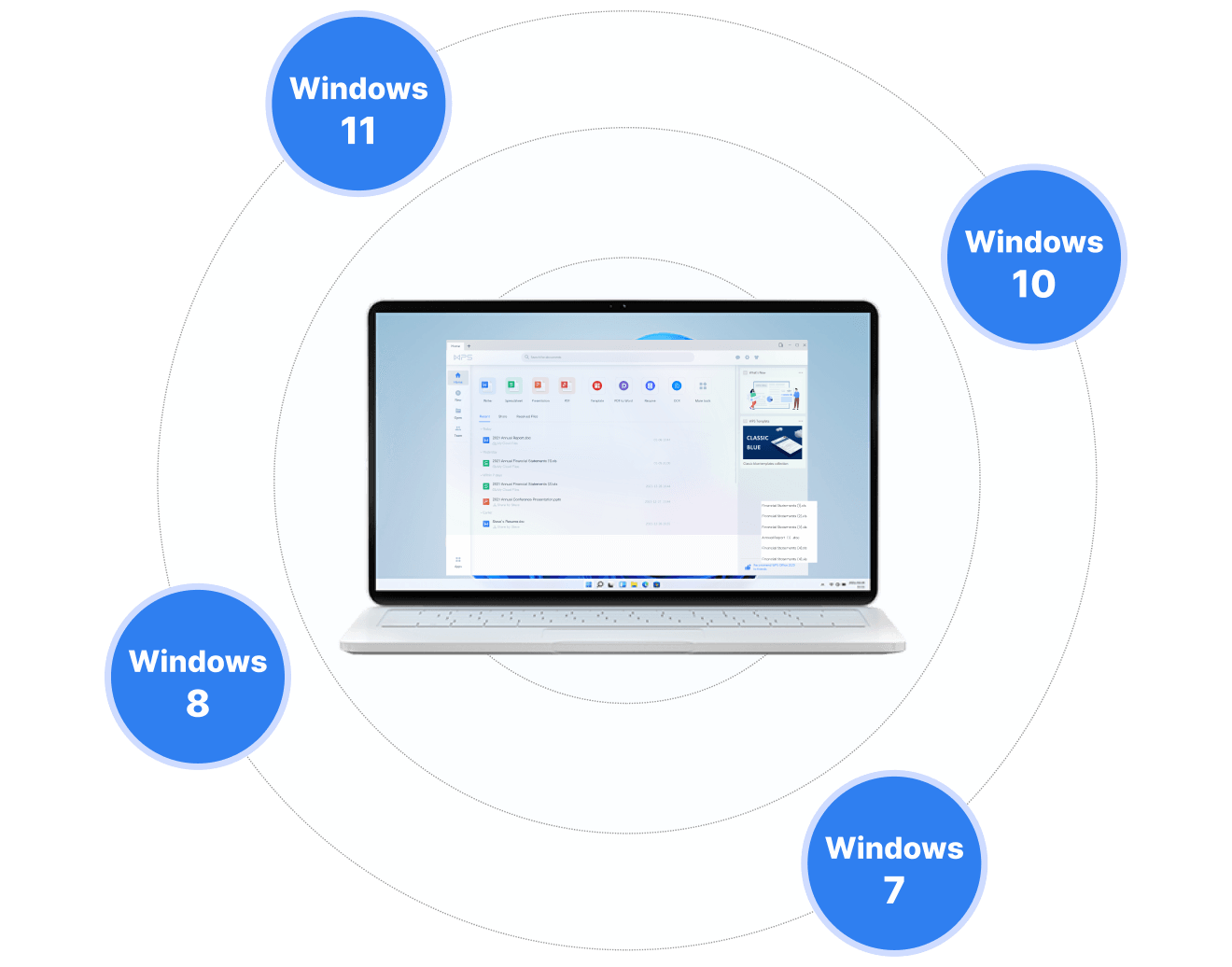
Repair with Multi-Version Support
WPS PowerPoint repair tool supports file restoration from PowerPoint 97 to the latest Office 365 versions, ensuring compatibility with both Windows and Mac systems. Localized processing ensures data privacy and security, without relying on cloud transmission, safeguarding your privacy.
- PowerPoint 97 to Office 365: Support for all PowerPoint versions and file formats.
- Cross-Platform: Compatible with Windows, Mac, and mobile devices.
- Privacy Protected: Local processing without cloud transmission for data security.
Fast & Reliable
WPS Office not only quickly repairs damaged PowerPoint files but also offers a variety of stunning templates for immediate editing. After repair, easily customize your presentation for a professional finish.
Secure Cloud Sync
WPS Office provides cloud synchronization to ensure your files are safely stored and protected from future damage. Whether online or offline, access and edit your presentations securely across devices.
Enhanced Editing Options
After repair, access enhanced editing features with stunning templates and professional tools. Create polished presentations ready for any business or academic need.
Simple Repair Workflow
Launch the File Repair
Open the WPS Office, roll down on the Home page to find 'Productivity Tools' > 'File Repair,' to launch the file repair in the WPS Office.
Select the Corrupted PowerPoint Presentation
On the repair page, select or drag your corrupted files into WPS, let it process for a few seconds, and you'll have your files restored to perfection.
Export Your Repaired File
Export your repaired file effortlessly. Your presentation is now restored with all content and formatting intact, ready for use or further editing.

Explore More Features
WPS Office offers a comprehensive suite of PDF tools and office applications alongside the AI Photo Enhancer. From PDF editing to document creation, get everything you need in one powerful platform.


FAQs & Hot Topics
Find answers to common questions about PowerPoint repair and explore trending guides to master WPS Office features.
Frequently Asked Questions
Hot Topics
How to Repair Corrupt PowerPoint Files in WPS Office
Complete step-by-step guide to repairing corrupted PowerPoint presentations using WPS Office's built-in repair tools.
3 Easy Ways to Fix PowerPoint Saving Errors
Learn how to resolve the common "An Error Occurred While PowerPoint Was Saving the File" error with these proven solutions.
How to Repair Damaged Files
Comprehensive guide to repairing various types of damaged files including Word, Excel, and PowerPoint documents.
FREE Download Office Files Repair Tool
Get the complete WPS Office Files Repair Tool for free. Repair Word, Excel, PowerPoint, and other office documents instantly.
Stop Losing Presentations. Start Repairing Smart.
Experience the world's most reliable PowerPoint repair tool that restores 100% of your content while preserving perfect layout integrity - available in WPS Office.
Lightning Fast
Repair in seconds
Perfect Layout
Design preserved
All Versions
PPT 97 to Office 365
WPS Office apps:

Start Repairing PowerPoint Like a Pro
Experience perfect presentation repair with content restoration - available in WPS Office.