Multiple File Formats - Edit Word, PDF, PowerPoint, and more with seamless compatibility
AI-Powered Features - Spell-check, translation assistance, and content analysis built-in
Cloud Sync & Collaboration - Work anywhere, anytime with real-time collaborative editing
DOCUMENT EDITOR
Experience the most comprehensive document editor with support for multiple file formats, rich templates, and AI-powered features that streamline your workflow.
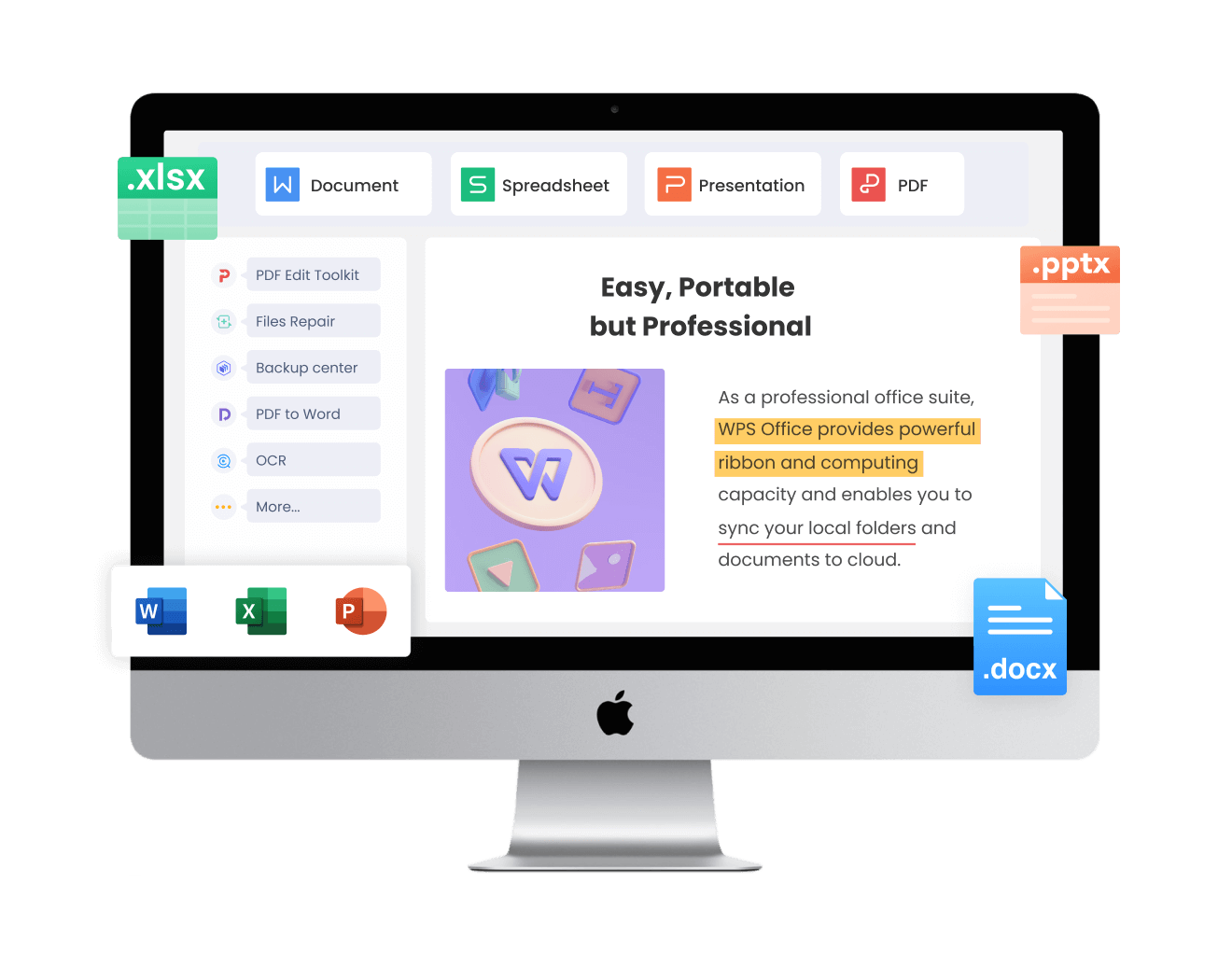
Our document editor supports multiple file formats, ensuring smooth editing without worries about formatting errors or compatibility issues. Effortlessly edit Word, PDF, PowerPoint, and more, enhancing productivity and streamlining your workflow.
A variety of beautiful templates - business, school, resume templates - are available for immediate use, enabling effortless document creation. Customize templates to suit different needs and enhance efficiency.
Professional reports, proposals, and presentations
Research papers, assignments, and educational materials
Professional resumes and CV templates for career success

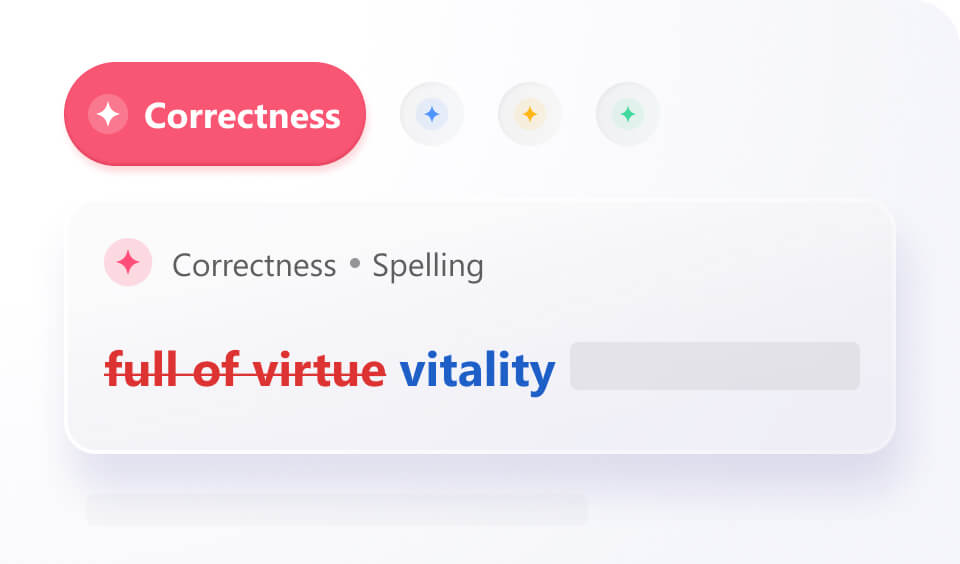
The AI-powered document editor enhances productivity with integrated features like spell-check, translation assistance, and in-depth content analysis and summarization. It empowers users to work and learn more efficiently.
Edit Word, PDF, PowerPoint, Excel, and more with seamless compatibility. No conversion needed - just open and start editing with perfect format preservation.
Access your documents anywhere with cloud sync. Real-time collaboration lets multiple users edit simultaneously with seamless version control and team communication.
Choose from beautiful templates for business, academic, and personal use. AI-powered features enhance your writing with smart suggestions and automated formatting.
Open a blank Word document or any existing file in WPS Office. The editor supports multiple formats including Word, PDF, PowerPoint, and Excel files with seamless compatibility.
Add, remove, or edit fields as needed with our comprehensive editing tools. Use AI assistance for spell-check, formatting, and content suggestions.
Save your file in your preferred format to your computer or cloud storage. Enjoy automatic cloud sync and collaborative features for seamless teamwork.

WPS Office offers a comprehensive suite of PDF tools and office applications alongside the AI Photo Enhancer. From PDF editing to document creation, get everything you need in one powerful platform.
Find answers to common questions about our document editor and explore trending topics to maximize your productivity.
Learn how to easily rearrange and reorder pages in Word documents with step-by-step instructions and helpful tips.
Comprehensive guide to editing PDF files in WPS Office with practical tips and advanced features for professional document management.
Discover the most adorable and professional cute fonts available for Word documents to make your content stand out with style.
Learn how to annotate and markup PDF documents for free in WPS Office with comprehensive tools for highlighting, commenting, and reviewing.
Experience the world's most comprehensive document editor with AI-powered features, cloud sync, and support for all file formats - completely free.
Word, PDF, PPT, Excel support
Smart editing & assistance
Work anywhere, anytime
Available on all platforms:

Experience the best free document editor with AI features and cloud sync.


