Real-time Word Count - Instant updates in the status bar as you type
Comprehensive Statistics - Words, characters, sentences, and paragraphs all in one view
AI-Enhanced Writing - Improve text with paraphrasing, tone adjustment, and editing tools
BEFORE
AFTER
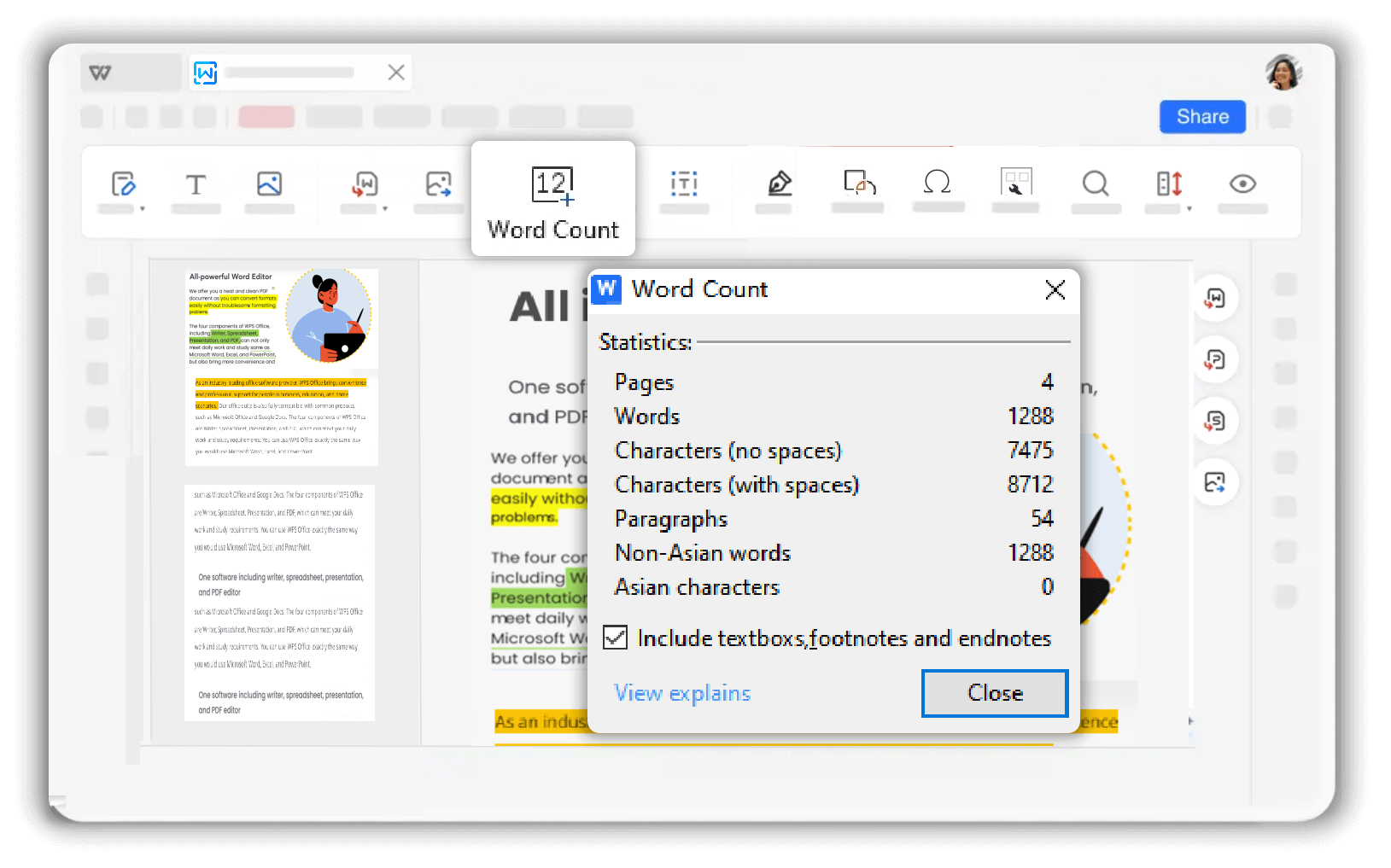
WPS Word Count Tool provides comprehensive data analysis by accurately calculating words, characters, sentences, and paragraphs in your document. Gain deeper insights into your text structure and optimize your editing process effortlessly!

Quickly scan your documents in WPS free document editor and precisely count each word to ensure accurate word statistics. Get reliable and error-free results for word, character, sentence, and paragraph counts, helping you optimize your content effortlessly.
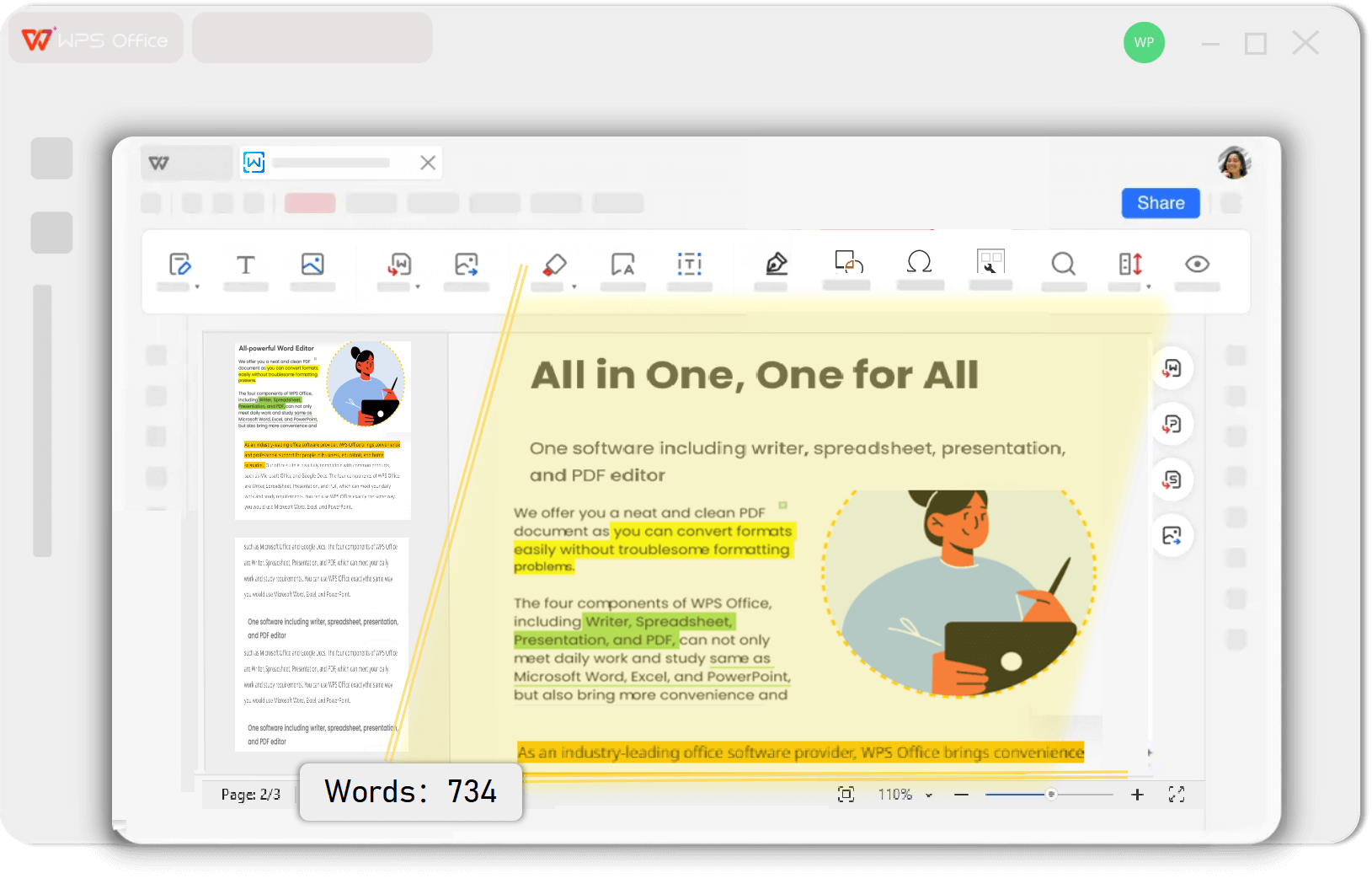
The word count updates in real time in the bottom status bar of the document, offering an intuitive and convenient user experience. For more detailed data insights, simply click to view comprehensive statistics. Check the word count, characters, sentences, and paragraphs with ease.
Word count updates instantly as you type
Convenient viewing in the document status bar
Click for comprehensive data insights
WPS AI enhances your writing by paraphrasing content, shortening or expanding sentences and paragraphs, and adjusting writing tone to suit your needs, whether for business, academic, or other professional purposes. Improve clarity and impact effortlessly.
Get precise counts for words, characters, sentences, and paragraphs with 99.9% accuracy. Reliable statistics help you optimize content and meet requirements effortlessly.
Word count updates instantly as you type, displayed conveniently in the document status bar. Click for detailed statistics with comprehensive data insights.
Enhance your writing with AI paraphrasing, tone adjustment, and content expansion. Perfect for business, academic, and professional documents.
Launch WPS Office and open the document for which you want to count words. The word count feature is built directly into the editor for seamless access.
On the Home page, click 'Review' > 'Word Count' to open the word counting tool. You can also view real-time counts in the status bar.
Check the total word count and other details like character count and paragraph count. Get comprehensive statistics to optimize your content and meet requirements.

WPS Office offers a comprehensive suite of PDF tools and office applications alongside the AI Photo Enhancer. From PDF editing to document creation, get everything you need in one powerful platform.
Find answers to common questions about WPS Word Count tool and explore trending guides to maximize your productivity.
Complete guide to using the word count feature in WPS Writer with step-by-step instructions and real-time counting tips.
Learn different methods to check word count in WPS Writer, including status bar viewing and detailed statistics panel.
Advanced techniques for counting and controlling the number of words per page in your documents for better formatting and layout.
Essential guide for students and academics on checking word count for essays and academic papers to meet assignment requirements.
Experience accurate word counting with real-time updates, comprehensive statistics, and AI-powered writing enhancement - completely free in WPS Office.
Precise word counting
Instant count display
Writing improvement
Available on all platforms:

Get accurate word count analysis with real-time updates - completely free.


