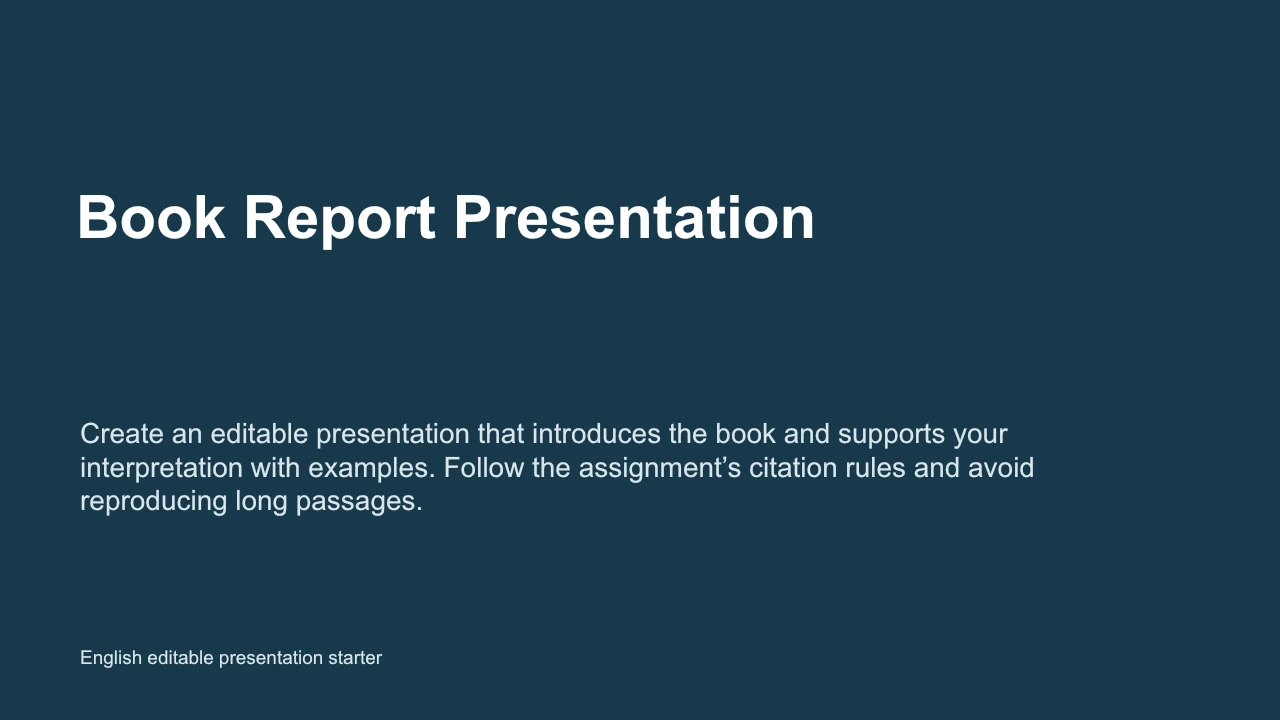
A structure for research problem
State the problem and the question investigated. The editable starter gives this part a defined place.
Original editable file
Build an editable dissertation presentation that connects the research problem, approach and findings. Follow your institution’s expectations and make the limitations easy to locate.
The editable PPTX starter is in English. Features and export options vary by WPS edition, platform and plan; review the file in the app and device you will use.
See how it works
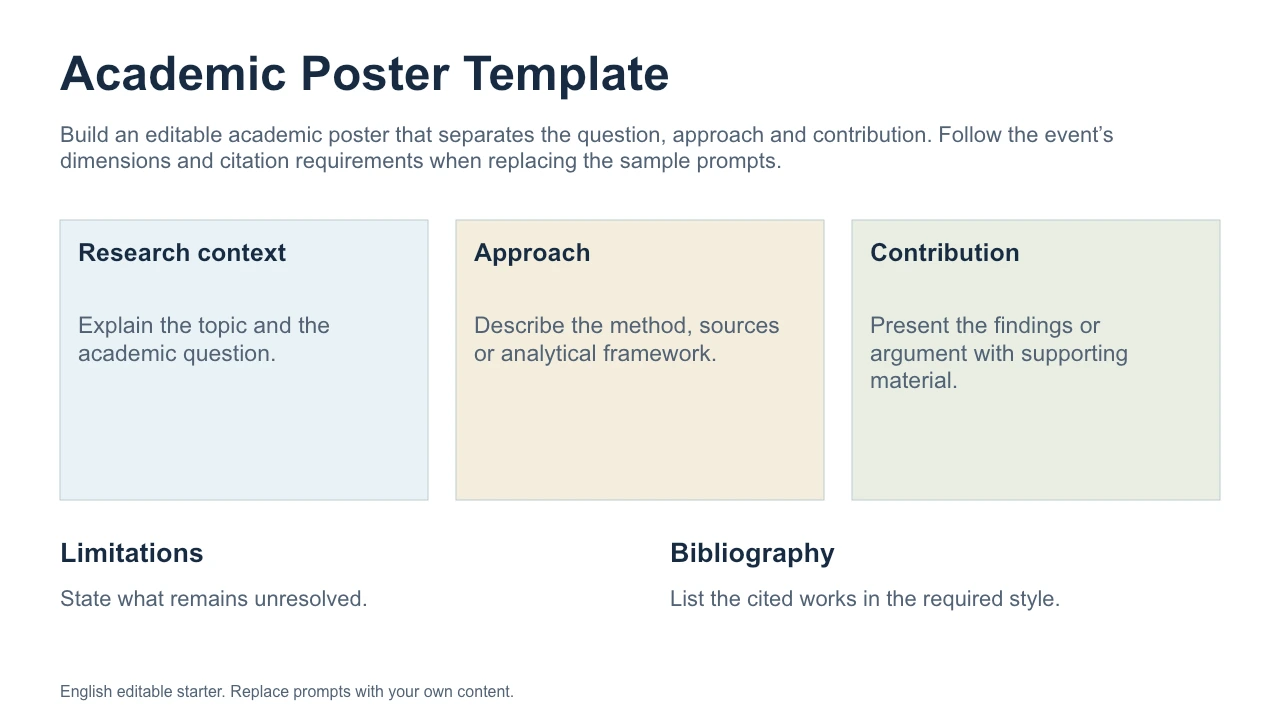
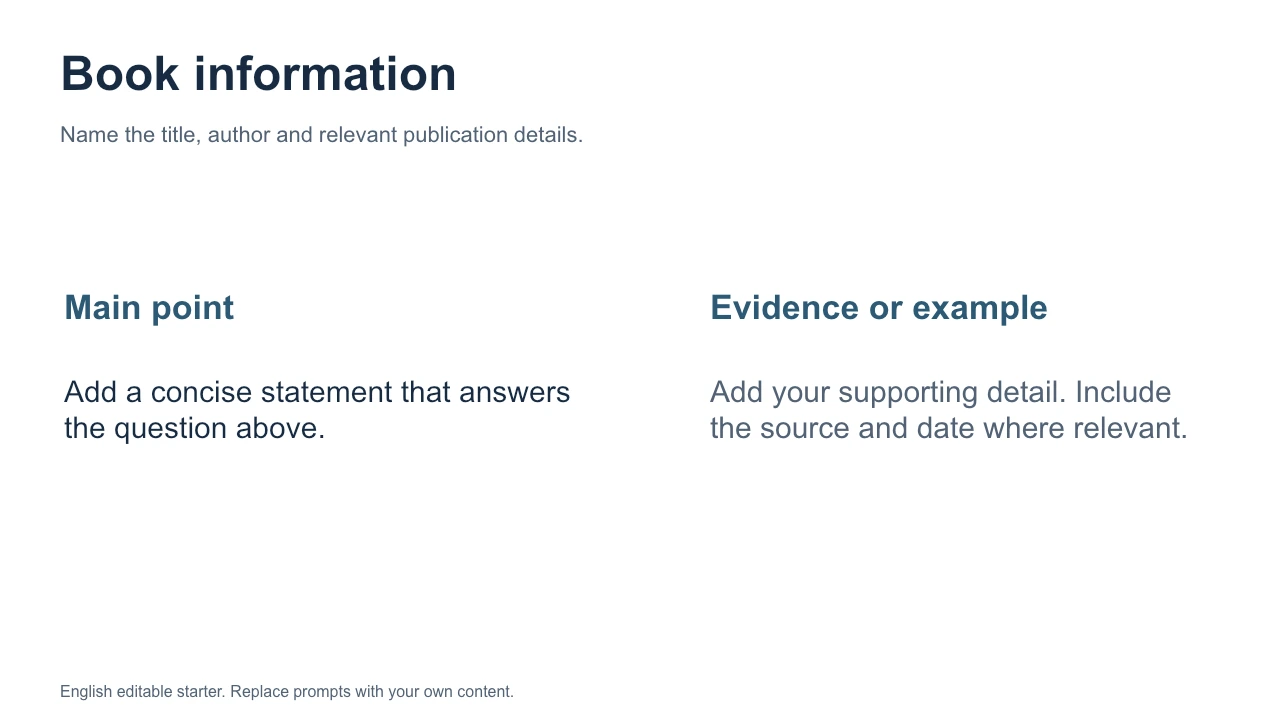
About this workflow
Use WPS Presentation to work on the file, review the details and save the result in a suitable format.
State the problem and the question investigated. The editable starter gives this part a defined place.
Explain how the work relates to the existing scholarship. Change the example text to fit your situation.
Adjust the text and layout in WPS Presentation, retain the PPTX source and review any exported sharing copy.
Original editable file
An original 6-section dissertation presentation with editable prompts for research problem, literature, approach.
This editable sample is in English. Open it in WPS Office and replace the example content with your own. The starter file is separate from the WPS app download.
Using WPS Office
Install WPS Office, then follow these steps in the app. This webpage does not edit or convert your files.

Open the editable starterDownload the original PPTX below and open it in WPS Presentation. Review its slide sequence before adding your own content.
WPS Office
Work with your everyday office files in one app. Keep an editable source file and choose the sharing format your audience needs.
Explore this WPS capabilityExplore the original starter and related workflows. Each file stays editable in WPS Office.
Help and information
This page downloads WPS Office. Features vary by platform, version and plan.
An original PPTX structure for dissertation presentation, including research problem, literature, approach, findings, contribution, limitations. It contains prompts and illustrative content for you to replace.
No. Download the starter and WPS Office, then edit the file in WPS Presentation. The example is a starting structure, not a completed project or an online generator.
WPS Presentation supports PPT and PPTX. Save your source and review the deck in the receiving app, especially fonts, transitions and embedded media. A PDF sharing copy can be useful when editing is not required.
On Windows or macOS, WPS starts the app download. On Linux, copy the installation command or choose a manual package. On iPhone, iPad, Android or Chromebook, continue to the appropriate app store. This page does not upload, convert or edit your files.
Start with WPS Office
Get WPS Office for Windows.
The editable PPTX starter is in English. Features and export options vary by WPS edition, platform and plan; review the file in the app and device you will use.