Build a learning sequence
Separate explanation, demonstration and guided practice.
Original editable file
Start with an original editable training manual DOCX, then use WPS Writer to personalize the wording, adjust the layout and save a shareable copy.
Includes a free original DOCX starter. WPS AI and advanced features vary by plan, region and device.
See how it works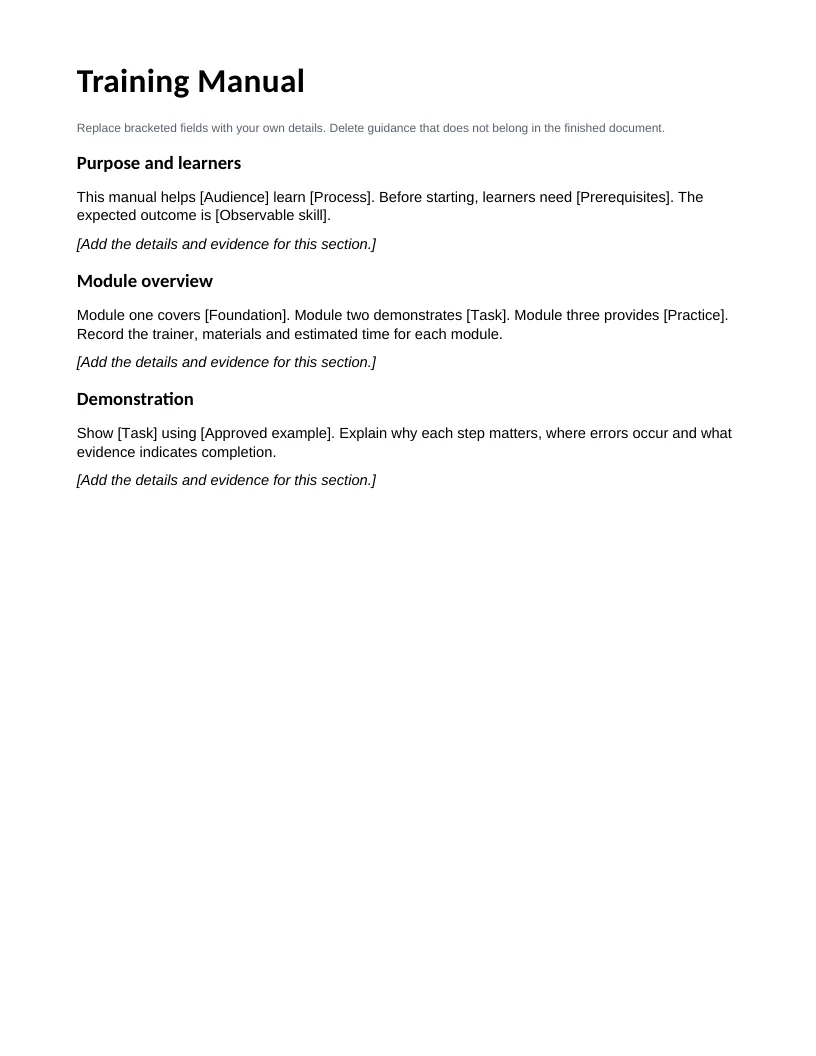

About this workflow
Use WPS Writer to work on the file, review the details and save the result in a suitable format.
Separate explanation, demonstration and guided practice.
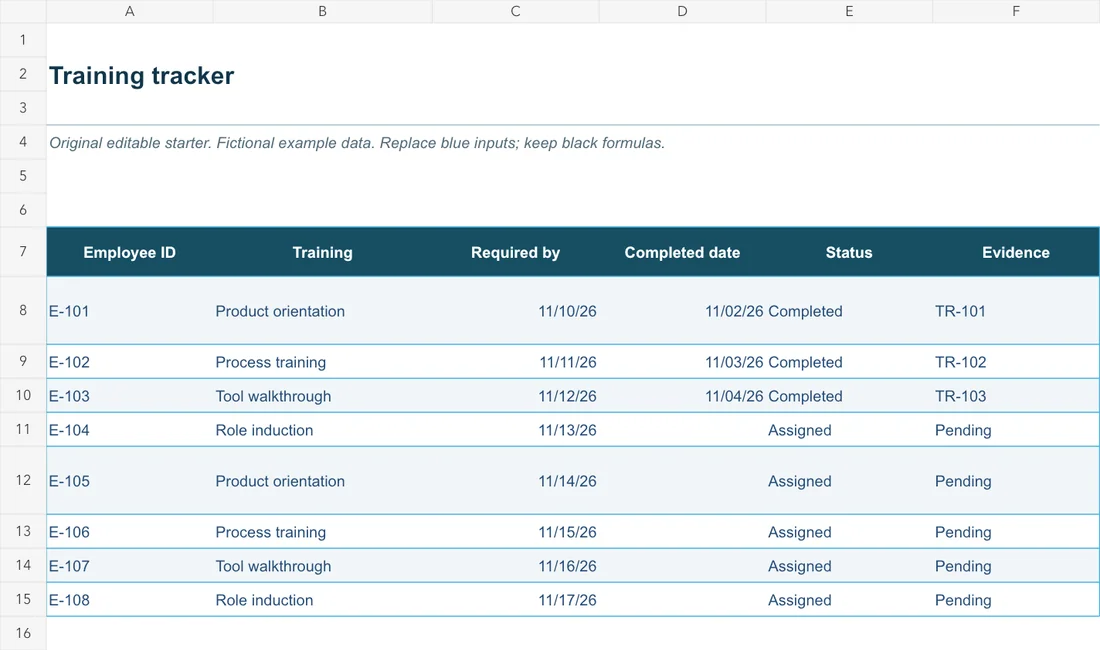
Record observable evidence before marking training complete.
Include current contacts and document ownership.
Using WPS Office
Install WPS Office, then follow these steps in the app. This webpage does not edit or convert your files.
Open the editable starterDownload the training manual DOCX below and open it in WPS Writer. Save a separate working copy.
Explore the original starter and related workflows. Each file stays editable in WPS Office.
Original editable file
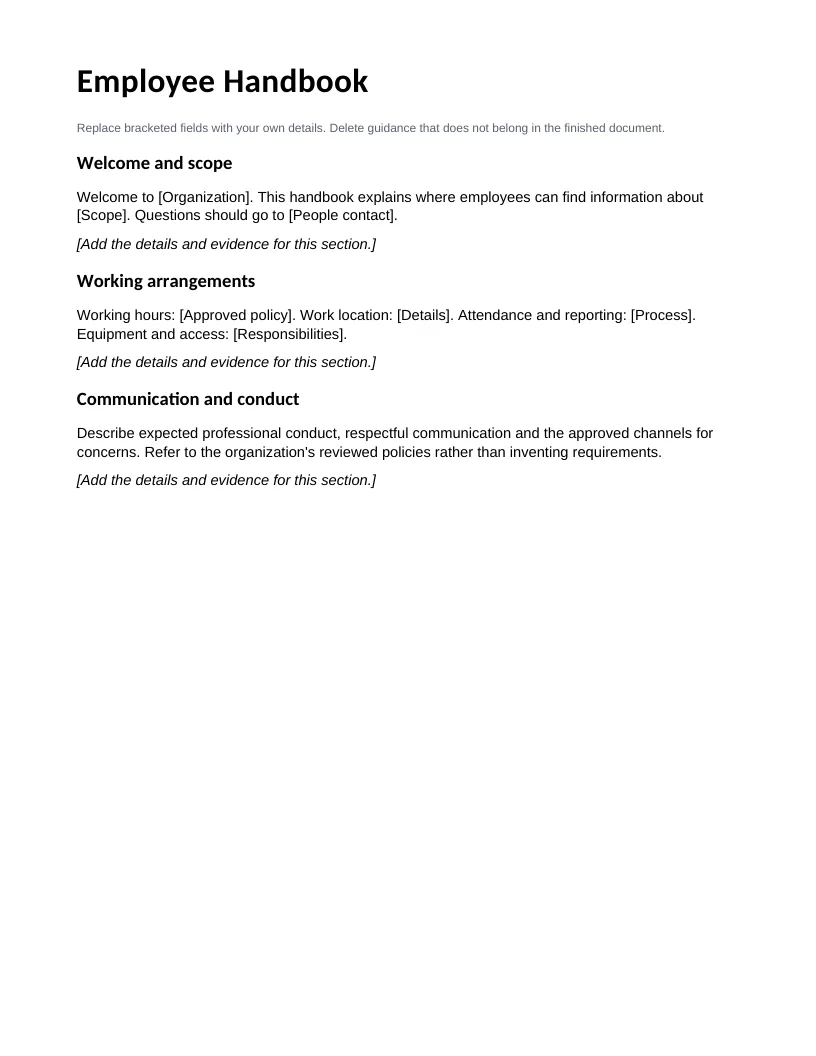
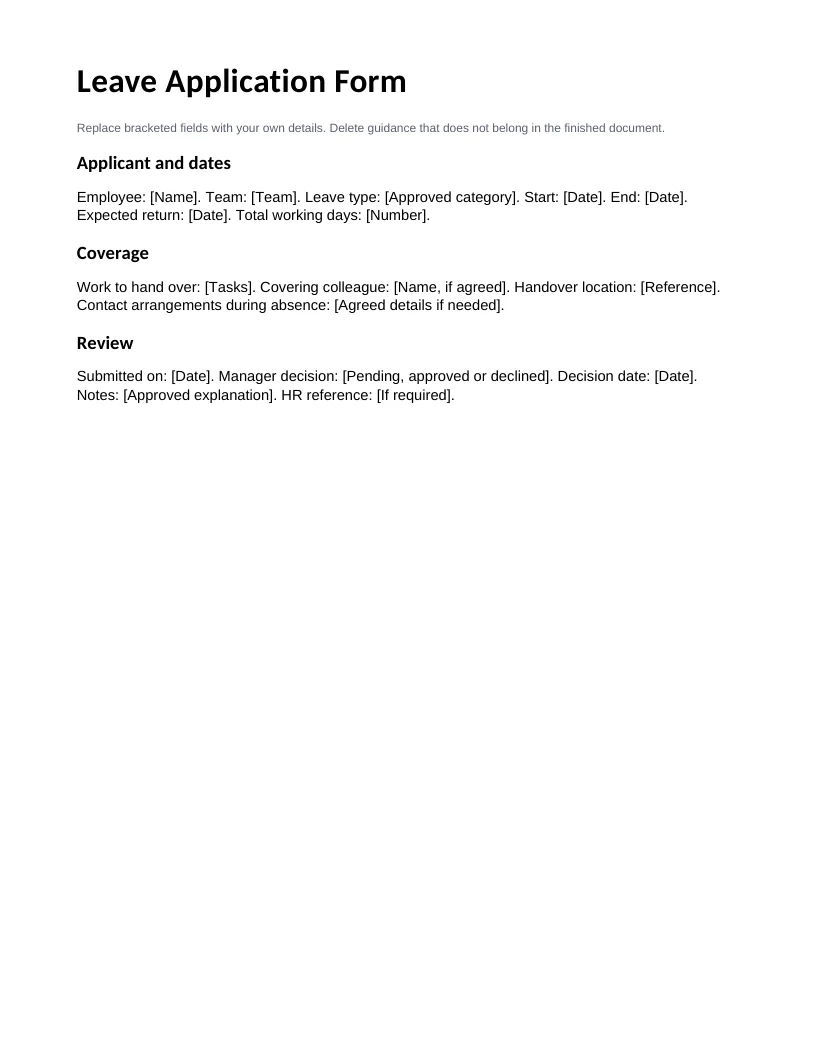
Original training manual starter with editable text and task-specific sections.
This editable sample is in English. Open it in WPS Office and replace the example content with your own. The starter file is separate from the WPS app download.
WPS Office
Work with your everyday office files in one app. Keep an editable source file and choose the sharing format your audience needs.
Explore this WPS capabilityHelp and information
This page downloads WPS Office. Features vary by platform, version and plan.
The original DOCX includes purpose and learners, module overview, demonstration, guided practice, competency check, support and maintenance. Its text and layout remain editable; it is separate from the WPS installer.
Yes. WPS Writer supports DOCX editing. Download the starter and open it in Writer. Basic document editing can work offline; cloud and AI features require internet and may have plan limits.
Align exercises with the skill; verify procedures; define the competency check. Review names, dates and requirements before sharing.
On Windows or macOS, WPS starts the app download. On Linux, copy the installation command or choose a manual package. On iPhone, iPad, Android or Chromebook, continue to the appropriate app store. This page does not upload, convert or edit your files.
Start with WPS Office
Get WPS Office for Windows.
Includes a free original DOCX starter. WPS AI and advanced features vary by plan, region and device.